Google Business Profile posting: what works better in 2026
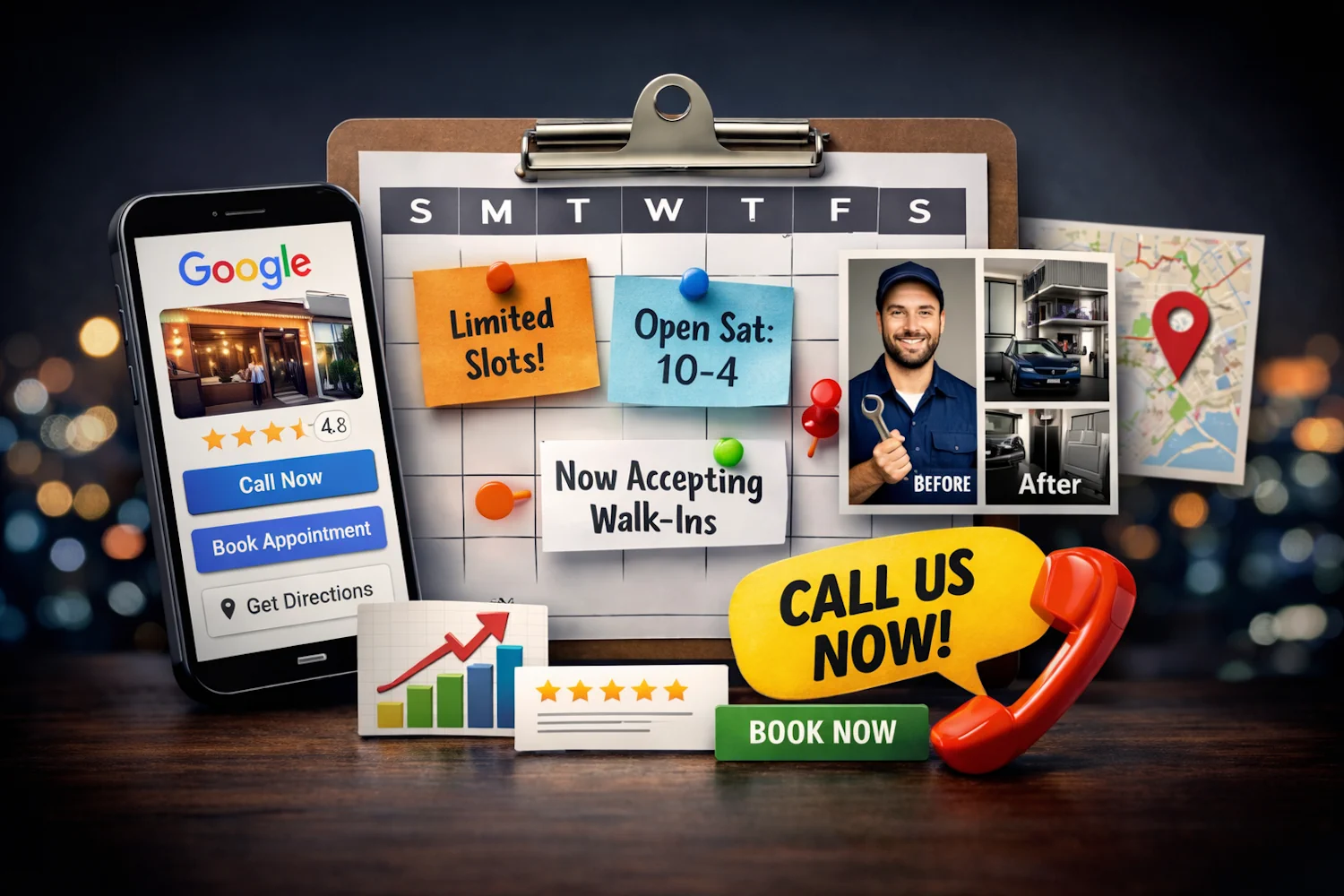
Google Business Profile posts are not the same as Instagram posts, Facebook updates, or LinkedIn thought leadership. They sit much closer to the moment of action.
Someone who finds your business on Google Search or Maps may be comparing nearby options, checking whether you are open, looking for a specific service, or deciding whether to call. That makes Google Business Profile posting less about entertainment and more about reducing uncertainty.
A strong Google Business Profile posting strategy in 2026 should answer four practical questions:
- What can customers do right now?
- Why should they trust you?
- What should they click, call, book, or ask for?
- What changed recently that makes the listing worth revisiting?
Google’s documentation for Business Profile posts explains that posts can share announcements, offers, events, and updates directly with customers on Search and Maps, and that posts may include text, photos, videos, and action buttons. It also notes that posts can appear in areas such as the Updates or Overview tabs on mobile and the From the owner section on desktop.
This guide turns that into a practical local posting workflow you can actually run.
What makes Google Business Profile posts different
Most social posts are discovery-first. A user sees something in a feed, gets interested, and maybe takes action later.
Google Business Profile posts are intent-first. The user is often already looking for a business like yours.
That changes the job of the post.
A strong GBP post should not try to do everything. It should make one local decision easier:
- “Can I book this service today?”
- “Is this offer still available?”
- “Do they serve my neighborhood?”
- “Can I trust this business?”
- “What happens after I call?”
- “Is this location open, busy, or accepting walk-ins?”
The best posts are specific, current, and action-oriented. They do not read like generic brand updates.
The four post types worth building your strategy around
Google Business Profile supports several kinds of updates, but most local businesses can keep the strategy simple. Build your calendar around offers, events, updates, and trust posts.
1. Offer posts for clear, time-sensitive action
Offer posts work when the value is easy to understand and the next step is obvious.
Good offer posts usually include:
- A specific service or product
- A clear time window
- A simple condition, if needed
- A direct call to action
- A photo that matches the offer
Weak offer: “Check out our latest promotion.”
Stronger offer: “This week only: same-day tire rotation appointments available. Call to check today’s openings.”
The second version is stronger because it tells the customer what is available, when it matters, and what to do next.
Use offer posts when you have:
- Seasonal discounts
- New customer specials
- Limited appointment windows
- Bundle pricing
- Inventory-based promotions
- Local event tie-ins
Avoid stacking too many details into one offer. If the post needs five conditions to explain the deal, it may be too complicated for Search and Maps users.
2. Event posts for urgency and planning
Events are not only for conferences or community gatherings. Local service businesses can use event-style posts for any time-bound customer opportunity.
Examples:
- A salon promoting open consultation slots on Saturday
- A dental office announcing a free whitening consultation day
- A gym promoting an introductory class
- A restaurant promoting a tasting menu weekend
- A real estate agent promoting an open house
- A home service company promoting storm-prep inspection slots
Event posts are useful because they create a reason to act now without sounding pushy.
A good event post answers:
- What is happening?
- Who is it for?
- When does it happen?
- What should the customer do next?
Example:
“Saturday only: free 10-minute skincare consultations at our downtown location. Book your time before Friday evening.”
3. Update posts for practical customer information
Update posts are often underrated. They may not feel exciting, but they answer the questions customers ask before taking action.
Use updates for:
- Holiday hours
- Parking information
- New services
- Walk-in availability
- Same-day appointment windows
- Weather-related changes
- New staff or specialists
- Renovations or temporary access changes
- Local delivery or pickup information
A practical update can drive more action than a polished brand post because it removes a point of hesitation.
Weak update: “We have new hours.”
Stronger update: “We are open until 7 PM on Thursdays for after-work appointments. Call before noon for same-day availability.”
The stronger version connects the change to a customer need.
4. Trust posts for proof and confidence
Customers often use Google Business Profile to decide whether a business feels legitimate. Trust posts help them make that decision.
Good trust posts can include:
- Before-and-after examples
- Process photos
- Team introductions
- Certifications or training
- Review themes, without overquoting customers
- Service guarantees or policies
- Photos of real locations, vehicles, products, or completed work
Trust posts work best when they are concrete.
Weak trust post: “We care about quality.”
Stronger trust post: “Every repair includes a final safety check before pickup. Here is what our team reviews before we return the keys.”
Trust posts do not always need a hard CTA. Sometimes the best CTA is softer: “Learn more,” “Call with questions,” or “See our services.”
A simple weekly GBP posting rhythm
Most local businesses do not need to post every day on Google Business Profile. They need a consistent rhythm that keeps the listing fresh and useful.
Start with this weekly structure:
- Monday: availability or weekly update
- Wednesday: offer, service highlight, or frequently asked question
- Friday: weekend reminder, event, or trust-building post
For businesses with frequent changes, add a fourth post for urgent updates.
Examples by business type:
Local service business
- Monday: “This week’s appointment availability”
- Wednesday: “Common problem we solved this week”
- Friday: “Weekend emergency or booking reminder”
Restaurant or cafe
- Monday: weekly special
- Wednesday: behind-the-scenes or menu highlight
- Friday: weekend availability, event, or reservation reminder
Retail store
- Monday: new arrivals
- Wednesday: staff pick or product use case
- Friday: limited-time offer or in-store event
Medical, wellness, or beauty business
- Monday: open appointment slots
- Wednesday: treatment explanation or FAQ
- Friday: before-and-after, policy, or consultation reminder
Multi-location business
- Monday: shared brand update adapted by location
- Wednesday: location-specific service, staff, or inventory post
- Friday: local offer, event, or availability reminder
If you manage several locations, avoid copying the exact same post across every profile. Use a shared structure, but change the location, service details, offer timing, photo, or CTA.
CTA rules for Google Business Profile posts
The right CTA depends on how ready the customer is to act.
Use “Call” when:
- Pricing depends on the customer’s situation
- Availability changes quickly
- The service is urgent
- Customers usually have questions first
- You want to qualify leads before booking
Use “Book” when:
- The service is standardized
- The appointment flow is simple
- The customer can choose a time online
- You want fewer phone interruptions
Use “Get directions” when:
- Walk-ins matter
- You have local foot traffic
- The post promotes a store visit, event, or pickup
Use “Learn more” when:
- The customer needs context before acting
- The offer is complex
- The page explains pricing, packages, or requirements
Do not default to “Learn more” just because it feels safe. For urgent local intent, “Call,” “Book,” or “Get directions” often matches the customer’s mindset better.
Copy formulas you can adapt
Use these as starting points, not rigid templates.
Availability post
“Need [service] this week? We have [time window] availability at our [location] location. Call to check openings and get the right appointment time.”
Example:
“Need a same-week haircut? We have afternoon openings at our downtown salon Tuesday through Thursday. Call to check available times.”
Offer post
“[Offer] is available through [date]. Best for [customer type or situation]. Call or book online to claim your spot.”
Example:
“New customer consultation special available through Friday. Best for homeowners planning spring repairs. Call to reserve your time.”
Trust post
“Before we finish [service], we check [important step]. That helps customers avoid [common issue]. Ask us about this when you book.”
Example:
“Before we finish every installation, we test the system under normal use. That helps customers avoid surprise issues after we leave.”
FAQ post
“Question we hear often: [question]. Short answer: [answer]. If you are unsure, call us and we’ll help you choose the right option.”
Example:
“Question we hear often: Do you accept walk-ins? Short answer: yes, when space is available. Call ahead and we’ll tell you the best time to stop by.”
Local proof post
“We recently helped a customer in [area] with [problem]. The result: [clear outcome]. If you are dealing with something similar, call us to ask about options.”
What not to post on Google Business Profile
Google Business Profile posts should be useful and professional. Google’s Business Profile post documentation notes that posts may be reviewed and can be rejected if they violate content policies, and it recommends avoiding misspellings, distracting content, inappropriate language, unsafe links, and restricted goods or services in posts.
Avoid:
- Generic “Happy Monday” posts with no customer value
- Phone numbers inside the post description when a CTA button can handle the action
- Overly broad brand slogans
- Stock photos that do not match the location or offer
- Old promotions that are no longer valid
- Identical multi-location copy with no local details
- Long paragraphs that hide the action step
- Posts that send users to unrelated landing pages
The best test is simple: would this post help a person decide whether to call, book, visit, or trust you? If not, rewrite it.
How to measure whether GBP posts are working
Do not measure GBP posts only by likes or views. The goal is local action.
Track:
- Calls from the Business Profile
- Direction requests
- Website clicks
- Booking clicks
- Offer redemptions
- Search queries that lead to your profile
- Customer questions that mention a post
- Changes in call quality after specific offers
If you use links, add UTM parameters so you can separate GBP traffic from other social and search traffic. A simple naming structure is enough:
- Source: google_business_profile
- Medium: organic_post
- Campaign: service_or_offer_name
- Content: post_type_or_location
Review performance monthly. Look for patterns, not single-post miracles.
Ask:
- Which post types generated the most calls or clicks?
- Which CTAs matched customer behavior best?
- Which offers expired too quickly or ran too long?
- Which locations need more localized copy?
- Which photos made the post feel more trustworthy?
How Postoria helps you run the workflow
If GBP posts are one part of your local marketing, they should not live in a separate planning silo. Postoria’s Google Business Profile scheduler helps you plan GBP posts alongside Facebook, Instagram, LinkedIn, Pinterest, TikTok, YouTube, Threads, Telegram, Bluesky, Tumblr, and X.
A practical Postoria workflow looks like this:
- Build a monthly GBP content rhythm in the visual calendar.
- Create recurring local slots for offers, updates, and trust posts using Queues when a repeating cadence makes sense.
- Keep location photos, offer graphics, and service images organized in the media library.
- Use posting groups for related locations or brands.
- Review analytics monthly and adjust your next batch of posts.
For multi-location businesses or teams with internal systems, Postoria’s Public API may also be worth exploring for more customized publishing workflows. Keep the setup simple at first: build the rhythm manually, prove which post types drive action, then automate the parts that are repetitive.
Postoria’s Free plan can be enough for smaller businesses that want to schedule a limited number of monthly posts. Paid plans are a better fit when you need more accounts, workspaces, Teams, AI captions, automations, or higher-volume workflows. You can compare options on the pricing page.
Conclusion
Google Business Profile posting works best when it respects local intent. People are not browsing your profile for vague inspiration. They want to know whether you are relevant, trustworthy, available, and easy to contact.
Start with a simple weekly rhythm: one availability or update post, one offer or service post, and one trust-building post. Use clear CTAs, local details, real photos, and timely information. Then review calls, bookings, website clicks, and direction requests to see what actually moves customers.
The goal is not to post more for the sake of activity. The goal is to make each Business Profile post behave like a small local conversion page.