Facebook Groups vs. Business Pages for brand growth
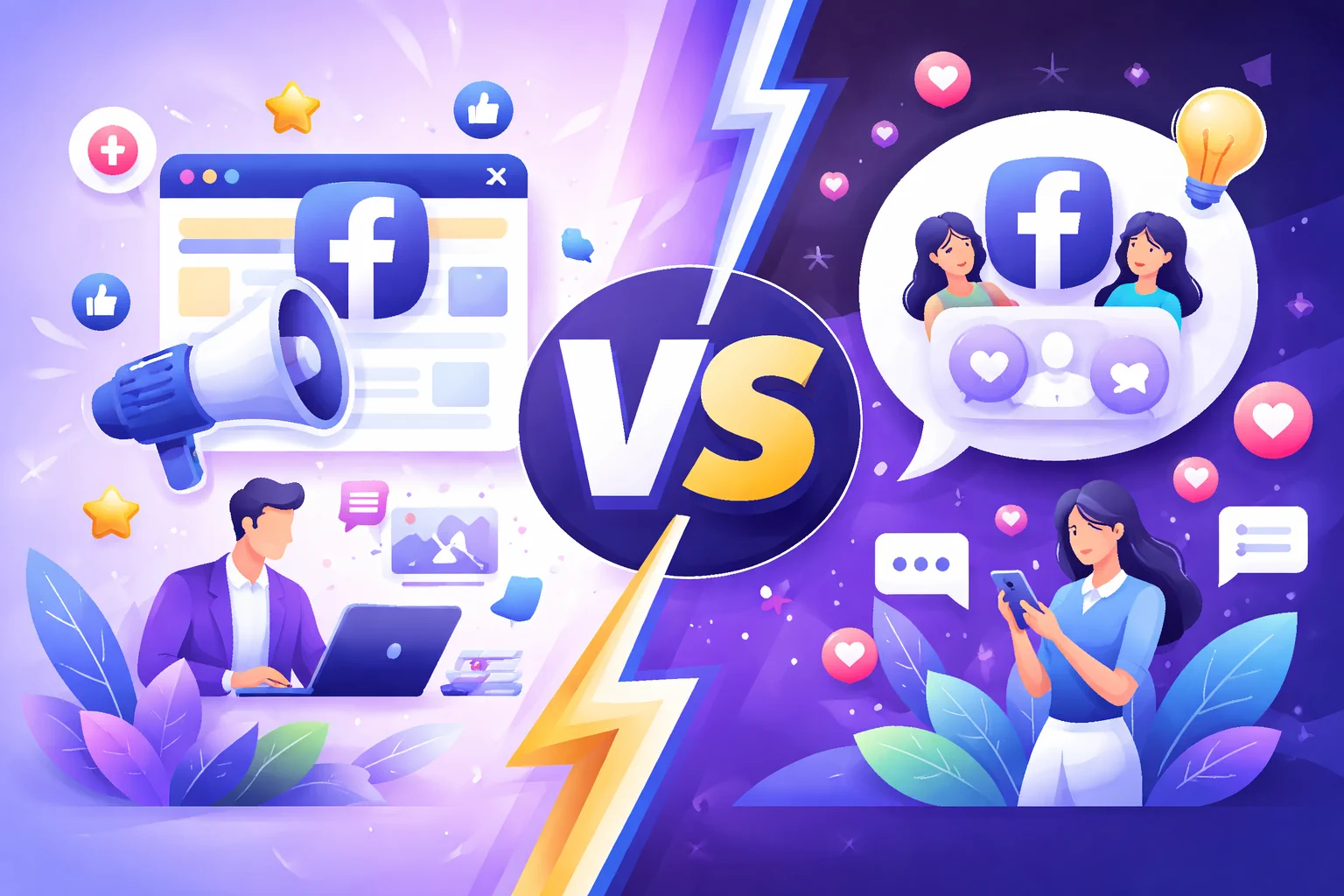
Facebook Groups and Facebook Business Pages are often mentioned together, but they solve different problems. A Page is your brand’s official public presence. A Group is a community space where people participate around a shared interest, problem, location, or identity.
The mistake is treating them as interchangeable. A Page is better for visibility, official updates, ads, and public trust. A Group is better for discussion, peer support, feedback, and belonging. Many brands need a Page first and a Group only when they have a real reason for people to gather.
This guide explains the difference, when each format makes sense, and how to choose the right setup for brand growth.
Quick comparison
| Factor | Facebook Business Page | Facebook Group |
|---|---|---|
| Primary purpose | Official brand presence | Community discussion |
| Best for | Updates, offers, content, ads, search visibility | Member questions, support, loyalty, peer interaction |
| Control | High: the brand controls most publishing | Medium: admins set rules, but members shape the conversation |
| Discovery | Easier to understand as a public brand asset | Depends heavily on niche, group quality, and member activity |
| Ads | Closely connected to Meta’s business and ad ecosystem | Not the main format for structured brand advertising |
| Moderation load | Lower | Higher, especially as membership grows |
| Publishing tools | Third-party Page scheduling is widely supported | API-based third-party Group publishing is no longer generally supported |
The right choice depends on the job you need Facebook to do.
What a Facebook Business Page is best for
A Business Page is the right foundation for most brands. It gives the business an official place to publish updates, show contact details, run ads, collect messages, share offers, and maintain a consistent public identity.
Facebook’s own help resources describe Pages as a way for businesses, brands, organizations, and public figures to connect with people on Facebook. A Page is usually the better place for content that needs to look official and easy to verify.
Use a Business Page for:
- Announcements and product updates
- Offers, events, and seasonal promotions
- Public brand content
- Paid campaigns
- Customer messages
- Local visibility and trust signals
- Content that should be easy for non-members to find
Example: a local restaurant should use a Page for opening hours, menu updates, events, reservations, hiring posts, and seasonal offers. Customers should not need to join a Group just to understand whether the restaurant is open or what is happening this weekend.
What a Facebook Group is best for
A Group is better when the value comes from member participation, not only brand publishing. It works best when people have a reason to return, ask questions, share progress, compare experiences, or help each other.
Use a Group for:
- Customer communities
- Course cohorts
- Member support
- Local interest communities
- Product feedback groups
- Accountability groups
- Niche discussions that need recurring participation
Example: an online course business might use a Page for public content and launches, then use a private Group for enrolled students who need discussion, accountability, and instructor prompts.
A Group is not a shortcut to engagement. It is a commitment to community management. If nobody has time to moderate, respond, and keep the discussion useful, the Group can become inactive or messy.
The decision framework: Page first, Group second
For most brands, the safest rule is:
- Build the Business Page as the official public foundation.
- Add a Group only if the audience has a clear reason to talk to each other.
- Use the Group to deepen relationships, not replace the Page.
Ask these questions before creating a Group:
- What will members do there that they cannot do on the Page?
- Who will moderate questions, spam, and conflicts?
- What weekly prompts or rituals will keep the Group alive?
- What rules will protect quality?
- How will the Group support the business without becoming a constant sales channel?
If you cannot answer those questions clearly, improve the Page first.
Visibility vs. participation
A Page is usually stronger for visibility. It is public, easy to scan, connected to business details, and suited to polished content. It helps people understand the brand quickly.
A Group is stronger for participation. It gives members space to ask questions and share their own experiences. That can build trust, but it also means the brand gives up some control.
A dental clinic, for example, probably needs a strong Page more than a Group. Patients want hours, services, trust signals, and simple ways to book. A fitness studio, on the other hand, might benefit from a members-only Group if people want challenges, class reminders, progress posts, and peer encouragement.
Control vs. community
Business Pages give brands control over the message. That is helpful for campaigns, launches, offers, and important updates. You can plan content, approve copy, and keep the public presence consistent.
Groups give members more room. That can create deeper trust, but it requires rules and moderation. Admins need to decide what is allowed, how self-promotion is handled, how conflicts are managed, and what happens when posts are off-topic.
A useful Group usually has:
- Clear rules pinned or visible to members
- Member questions or prompts that encourage useful replies
- A moderation routine
- A reason to return every week
- A balance between brand participation and member participation
Without those basics, a Group often becomes either quiet or noisy.
Publishing and scheduling: an important limitation
Business Page publishing can be planned and scheduled through approved tools. That is why a Page is the better format for recurring campaigns, promotional calendars, and multi-channel planning.
Groups are different. Meta’s changes to the Facebook Groups API removed broad third-party access used for Group publishing in 2024. TechCrunch’s coverage of Meta’s Groups API shutdown explains how this affected developers, scheduling tools, and businesses that relied on automated Group workflows.
That means brands should not build a Facebook Group strategy around third-party auto-posting. Build it around moderation, conversation, and manual community management.
When to use both
A Page and Group can work together when each has a distinct role.
For example, a boutique hotel could use its Page for public offers, local events, room photos, restaurant updates, and booking reminders. It could use a Group only if there is a real community angle, such as a local travel club, wedding planning community, or repeat-guest group.
A good split looks like this:
- Page: official updates, ads, offers, public content, booking links.
- Group: member conversations, challenges, questions, feedback, community rituals.
- Website or booking page: final conversion point.
The Page brings clarity. The Group builds participation. The website or booking page captures demand.
Where Postoria fits
Postoria supports Facebook Page publishing, not Facebook Group publishing. That distinction is important and should be understood before choosing a workflow.
If your brand relies on a Facebook Business Page, Postoria’s Facebook post scheduler can help you plan updates, offers, Reels, campaign posts, and recurring content in a visual calendar. You can also coordinate Facebook with Instagram, LinkedIn, Google Business Profile, TikTok, YouTube, Threads, Pinterest, Telegram, Bluesky, Tumblr, and X through the broader post across social media workflow.
If your brand runs a Group, use Postoria for the public Page and broader social content, then manage the Group manually with clear rules and a community routine.
Common mistakes to avoid
Creating a Group before the Page is useful
A Group cannot compensate for a weak public presence. Make the Page clear first.
Using a Group as a promotion feed
If every Group post is an offer, members have little reason to participate. Use the Group for discussion, not only announcements.
Expecting a Group to run itself
Groups need moderation. Plan who reviews posts, answers questions, and handles conflict.
Hiding important information inside a Group
Hours, offers, booking details, and service information should be easy to find publicly. Keep those on the Page and website.
Choosing one format forever
A small brand may start with only a Page. A mature brand may later add a Group. The decision can change as the audience grows.
Conclusion
Facebook Business Pages and Groups both support brand growth, but they do it in different ways. A Page helps a brand look official, searchable, and ready for public marketing. A Group helps people participate, ask questions, and build relationships around a shared topic.
Start with the Page if you need visibility and structured publishing. Add a Group only when there is a real community use case and someone can manage it well. The strongest strategy is not Page or Group. It is assigning each format the job it is actually built to do.