The UGC playbook: how to launch, organize, and moderate community content
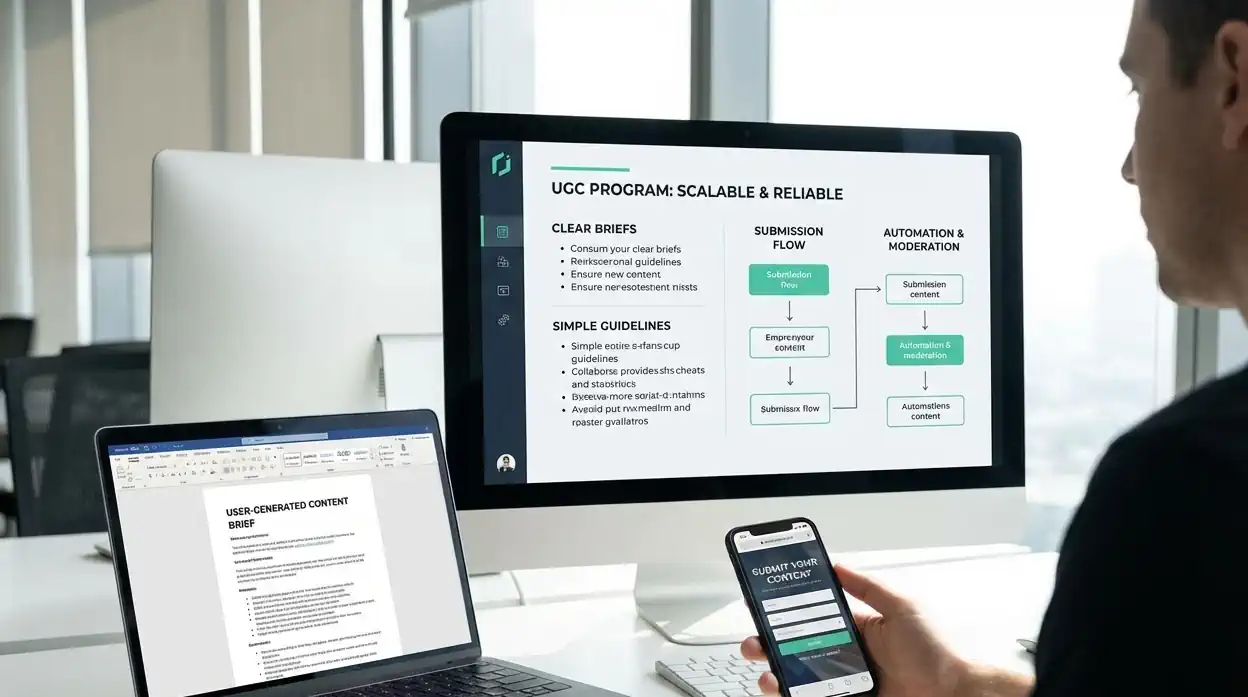
User-generated content can make a brand feel more credible because it shows real customers, real use cases, and real language. But UGC is only useful when the workflow behind it is clear.
Without a system, UGC quickly becomes messy. The team may not know who gave permission, which assets are approved, what can be used in ads, which posts need moderation, or how to publish customer content without losing brand consistency.
This playbook shows how to launch and manage UGC in a practical way. It covers briefs, consent, rights tracking, moderation, content organization, and publishing workflows.
For legal and permission-specific guidance, also read the Instagram UGC legal guide and the social media compliance checklist. This article is operational guidance, not legal advice.
Define what UGC means for your brand
UGC can mean many things. Before asking customers or creators for content, define what counts.
Examples:
- Customer photos
- Customer videos
- Reviews and testimonials
- Product unboxings
- Before-and-after content
- Community challenge submissions
- Event photos
- Creator demos
- Case study quotes
- Screenshots of public praise, used with permission
A clear definition helps your team collect the right assets and avoid accidental misuse.
Start with one UGC goal
Do not launch a UGC program with five goals at once. Pick the main job.
| UGC goal | Best content type | Useful metric |
|---|---|---|
| Build trust | Reviews, testimonials, customer stories | Saves, comments, profile actions |
| Show product use | Demos, unboxing, lifestyle photos | Clicks, product page visits, questions |
| Support launches | Creator previews, early user reactions | Launch traffic, replies, sales signals |
| Educate buyers | Tutorials, setup videos, use cases | Saves, shares, support question reduction |
| Grow community | Challenges, prompts, customer spotlights | Submissions, repeat participation |
A focused goal makes it easier to write the brief and moderate submissions.
Create a one-page UGC brief
A brief should guide creators without making the content feel scripted.
Include:
- Campaign goal
- Who the content is for
- Required format
- Platform or placement
- Key message or use case
- Visual do’s and don’ts
- Product or service details to mention
- Claims to avoid
- Caption guidance
- Deadline
- Consent and usage terms
- Contact person for questions
Keep the brief short. If creators need to read a long document before filming a simple video, the workflow is too heavy.
Use guidelines, not a creative cage
Guidelines protect quality while leaving room for authenticity.
Useful guidelines:
- Show the product or service clearly.
- Film in good light when possible.
- Avoid music or visuals you do not have rights to use.
- Do not make claims the brand cannot support.
- Keep the message honest and specific.
- Show real use instead of a staged advertisement.
- Mention any required disclosure if the content is sponsored or incentivized.
Avoid telling every creator exactly what to say. UGC works because it feels like a real person sharing a real experience.
Track consent and usage rights
The biggest UGC mistake is treating permission casually. A comment like “sure” may not be enough for every use case, especially if you plan to use the content in ads, email, product pages, or long-term campaigns.
Create a simple rights tracker.
| Field | Why it matters |
|---|---|
| Creator or customer name | Identifies the source |
| Contact information | Allows follow-up if needed |
| Content file or URL | Keeps the asset traceable |
| Permission status | Shows whether the asset is approved |
| Allowed channels | Clarifies where it can be used |
| Paid or unpaid | Tracks compensation and disclosure needs |
| Expiration date | Prevents outdated or unauthorized reuse |
| Notes | Records restrictions or special conditions |
This does not need to be complicated. It does need to be consistent.
Moderate before publishing
Moderation is not about removing personality. It is about protecting the brand and the audience.
Review each asset for:
- Clear permission
- Accurate claims
- Product visibility
- Sensitive information
- Brand safety
- Copyright issues
- Platform fit
- Accessibility needs
- Customer privacy
- Disclosure requirements
If the asset is strong but not publish-ready, ask for a small adjustment instead of rejecting it entirely.
Build a UGC content library
UGC should not live in scattered messages and downloads. Create a searchable library.
Organize by:
- Product or service
- Customer type
- Use case
- Platform
- Campaign
- Permission level
- Content format
- Quality rating
- Expiration date
Postoria’s media library and workspaces can help teams keep approved assets organized for future scheduling. That is especially useful for agencies, ecommerce brands, and multi-location businesses that collect content from many sources.
Turn one UGC asset into several posts
A single customer video can support more than one post if the usage rights allow it.
Example repurposing plan:
- Instagram Reel: customer use case
- Facebook post: story and quote
- LinkedIn post: business lesson or customer outcome
- Google Business Profile post: local proof or service highlight
- Pinterest Pin: product or tutorial angle
- TikTok clip: quick demo
- Telegram post: longer explanation and behind-the-scenes context
Do not copy the same caption everywhere. Adapt the angle to the platform.
UGC moderation workflow for teams
Use this simple process:
- Collect the submission.
- Confirm permission and usage rights.
- Add the asset to the library.
- Review for brand safety and accuracy.
- Match it to a content goal.
- Adapt the caption by platform.
- Schedule the post.
- Monitor comments and questions.
- Record performance.
- Reuse strong assets only within approved rights.
If several people are involved, assign one owner for each step. UGC breaks down when everyone assumes someone else checked the details.
Example UGC campaign: local fitness studio
Goal: build trust with first-time members.
Brief: ask current members to share a 20-second clip answering one question: “What surprised you about your first class?”
Moderation rules:
- No private customer information
- No unsupported health claims
- Clear consent for public posting
- Positive but honest tone
- No copyrighted music unless cleared
Publishing plan:
- Monday: member quote on Facebook
- Wednesday: short video on Instagram or TikTok
- Friday: FAQ post answering a first-class question
- Weekend: Google Business Profile update with booking CTA
This campaign is useful because it answers a real buyer concern and creates trust before the first visit.
How Postoria fits into UGC publishing
Postoria can help after assets are approved. You can organize media, schedule posts, manage content across workspaces, and coordinate UGC campaigns across supported platforms. Agencies can separate client workspaces, while teams can use a shared calendar to avoid duplicate posting or missed approvals.
The tool does not replace consent, moderation, or judgment. It helps turn approved community content into a consistent publishing workflow.
Conclusion
UGC works best when it is both authentic and organized. A good program starts with a clear goal, a simple brief, permission tracking, moderation rules, and a content library your team can actually use.
Treat community content with care. When customers and creators trust your process, UGC becomes more than social proof. It becomes a repeatable source of education, credibility, and useful stories your audience wants to see.