Faceless content: how to build trust without showing your face
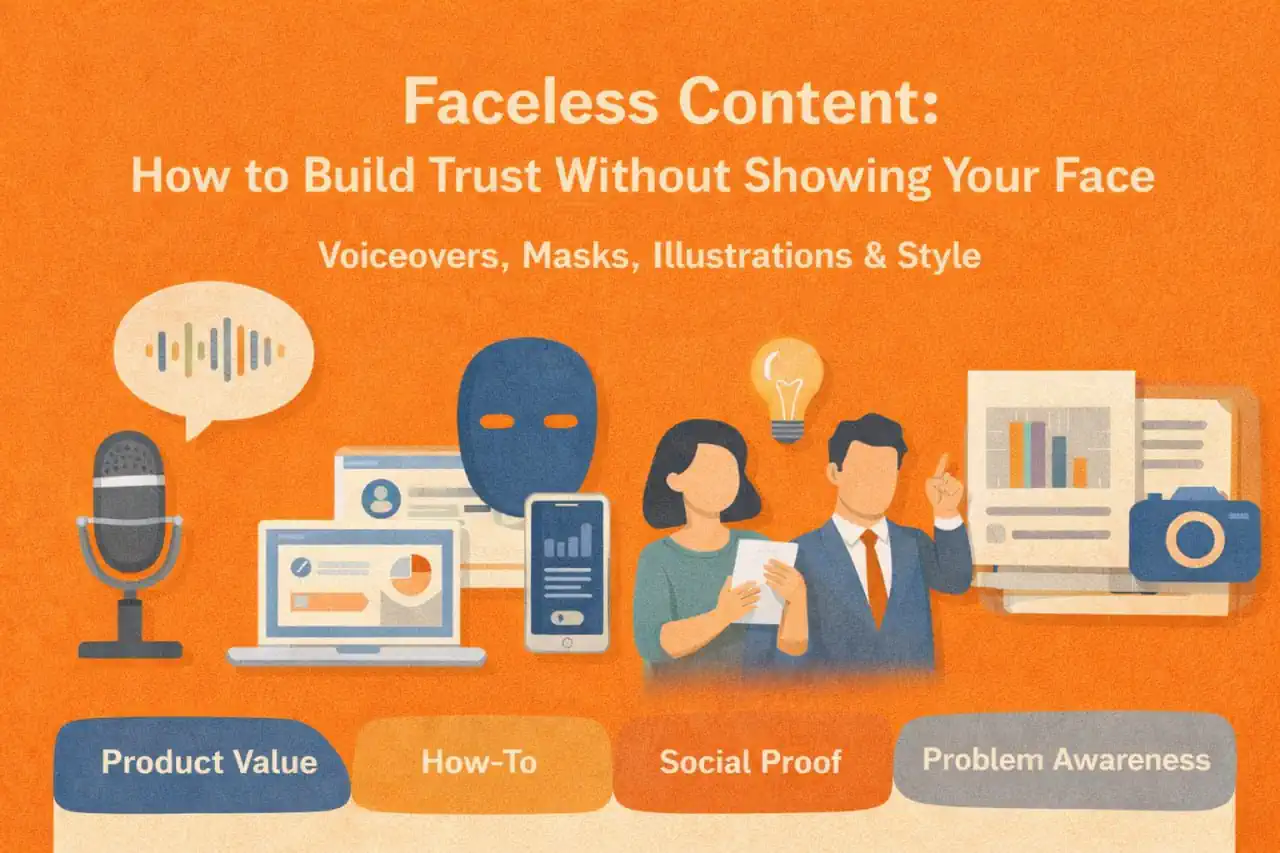
You do not need to show your face to build a trusted social media presence. Many creators, brands, educators, SaaS companies, and niche publishers grow with faceless content because the value is in the explanation, demonstration, system, or point of view.
But faceless content has one major challenge: trust. When people cannot see the person behind the content, they need other signals that the account is credible, consistent, and worth following.
This guide shows how to build trust without relying on face-to-camera content. It covers voiceovers, screen recordings, proof, visual systems, examples, and a practical publishing workflow.
For video-specific planning, you may also find the guides on YouTube Shorts series, TikTok content types, and adapting one video for multiple platforms useful.
What faceless content is good for
Faceless content works especially well when the audience wants clarity, not celebrity.
It can fit:
- Tutorials
- Product demos
- Screen recordings
- Educational explainers
- Commentary channels
- Niche media pages
- Local business updates
- Before-and-after content
- Customer stories
- Data or research summaries
- Process breakdowns
Faceless does not mean anonymous or low-effort. It means the content uses other trust signals besides a visible face.
The trust problem faceless content must solve
A face can communicate personality quickly. Without it, your content needs to answer three questions:
- Who is this for?
- Why should I trust this account?
- What useful result will I get if I keep watching or reading?
If those answers are unclear, the content may feel generic even if the visuals are polished.
Use the TRUST framework
A faceless account needs repeatable trust signals. Use the TRUST framework.
| Trust signal | What it means | Example |
|---|---|---|
| T: Transparent context | Explain where the advice comes from | ”This is based on reviewing 20 client calendars” |
| R: Repeatable format | Use familiar structures viewers recognize | Weekly audits, teardown series, checklists |
| U: Useful proof | Show examples, screenshots, results, or process | Before-and-after workflow, customer use case |
| S: Strong visual identity | Make the account recognizable | Consistent colors, typography, layout, pacing |
| T: Timely response | Reply, update, and correct when needed | Follow-up posts, pinned corrections, FAQs |
These signals build credibility over time.
Voiceovers: the easiest way to add humanity
A voiceover gives the content a human presence without requiring face-to-camera filming.
Use voiceovers for:
- Tutorials
- Product walkthroughs
- Opinion videos
- Process explanations
- Behind-the-scenes stories
- Screen recordings
Good voiceover habits:
- Write talking points, not a stiff script.
- Speak clearly and slightly slower than you think you need to.
- Record in a quiet place.
- Remove long pauses.
- Keep one idea per clip.
- Match tone to the topic.
A calm, clear voice can build more trust than a highly edited video with no substance.
Screen recordings: show the work
Screen recordings are powerful for SaaS, education, design, marketing, analytics, finance, productivity, and any topic where process matters.
A good screen recording should:
- Start with the outcome
- Zoom in on the important area
- Avoid showing private information
- Use clear cursor movement
- Explain why each step matters
- End with the finished result
Example:
Instead of saying “use a content calendar,” show how a messy week becomes an organized schedule. Viewers trust what they can see.
Proof without personal exposure
Faceless brands can use proof, but it must be handled carefully and honestly.
Useful proof types:
- Before-and-after examples
- Customer quotes used with permission
- Process screenshots with private details removed
- Public reviews linked to the product or service context
- Case lessons without revealing sensitive information
- Work samples
- Demonstrations
- Side-by-side comparisons
Avoid vague claims like “this changed everything” unless the content shows what changed and why it matters.
Build a recognizable visual system
Visual consistency helps people recognize your content even before they read the username.
Create rules for:
- Font choices
- Color palette
- Title placement
- Caption style
- Thumbnail format
- Intro frame
- Logo placement
- Screenshot treatment
- Music or sound style, if used
Do not make every post identical. Create a flexible system with categories.
Example:
- Tutorials use blue headers and numbered steps.
- Mistake posts use a red label and one example.
- Case studies use a split before-and-after layout.
- Opinion posts use a bold text-first frame.
Faceless formats that feel trustworthy
Tutorial stack
A step-by-step process where each post solves one small problem.
Example: “How to turn one product photo into three social posts.”
Teardown series
Review a public example, format, or workflow and explain what works.
Example: “Why this Google Business Profile post is easier to act on.”
Whiteboard-style explainer
Use simple graphics or slides to explain one concept.
Example: “Three content roles: reach, trust, and conversion.”
Customer-question series
Answer real questions from customers, comments, or sales calls.
Example: “Do I need to post every day to stay visible?”
Process diary
Show progress without showing a face.
Example: “Day 3 of rebuilding our content calendar: removing duplicate topics.”
Add identity without overexposure
Faceless does not have to mean personality-free. You can show identity through:
- Writing style
- Opinions
- Examples
- Humor
- Brand values
- Recurring phrases
- Visual style
- Audio tone
- Behind-the-scenes details
- Clear editorial standards
The audience does not need your face to understand your point of view.
A 30-day faceless content plan
Use this starter plan.
Week 1: Foundation
Publish three posts that explain the account’s core promise. Use simple educational formats.
Week 2: Proof
Publish examples, before-and-after content, screenshots, or customer questions. Show that the advice is grounded in real work.
Week 3: Series
Launch one recurring format. Keep the title and structure consistent.
Week 4: Conversion
Add practical CTAs: save, comment, read the guide, join the list, book, or try the product. Keep the CTA connected to the value of the post.
This plan builds trust gradually instead of jumping straight into promotion.
How Postoria helps faceless content teams
Faceless content often depends on batching. You may create several screen recordings, graphics, or short videos in one production session. Postoria can help you schedule those posts, keep assets organized in a media library, manage workspaces for different brands, and publish across multiple supported platforms.
If your team creates content in batches, a visual calendar also helps you avoid posting five similar faceless videos in a row.
Conclusion
Faceless content can build real trust when it is useful, consistent, specific, and grounded in proof. You do not need to show your face, but you do need to show your thinking, process, examples, and standards.
Start with one clear promise, one repeatable format, and one visual system. Then publish consistently and improve based on what people save, ask, and share. Trust does not come from being visible in every frame. It comes from being reliably helpful.