Telegram Post Scheduler
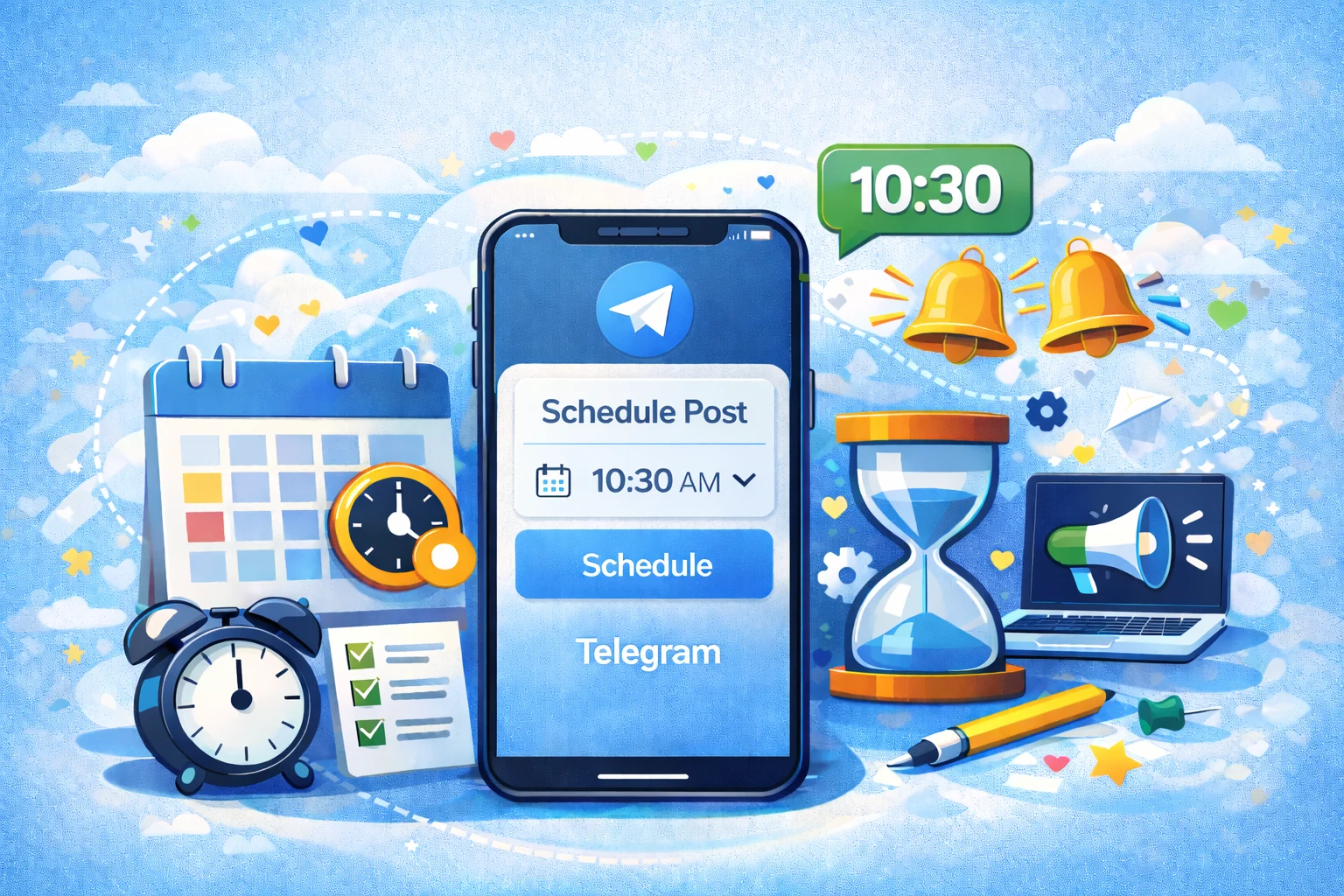
Keep Telegram channels active with planned posts, launches, and recurring series.
Telegram is useful for direct audience communication. Many creators, publishers, communities, and brands use it for announcements, content drops, updates, and loyal-audience communication. But because Telegram feels immediate, teams often leave publishing until the last minute.
Postoria helps you schedule Telegram posts and manage them alongside your wider social media calendar.
Schedule Telegram posts from one dashboard
With Postoria, you can plan Telegram channel content in advance instead of interrupting your day to post manually.
Use it to schedule:
- Announcements
- Product updates
- Content drops
- Newsletter-style posts
- Community reminders
- Event messages
- Launch sequences
- Educational series
- Cross-platform campaign updates
Postoria is especially useful when Telegram is one part of a larger publishing workflow across Facebook, Instagram, LinkedIn, Google Business Profile, Threads, Pinterest, YouTube, TikTok, Bluesky, Tumblr, and X.
Build a Telegram content rhythm
Telegram channels work best when subscribers understand what to expect. A clear rhythm helps your channel feel useful instead of noisy.
Series posts
Create recurring formats such as weekly tips, market notes, product updates, founder reflections, resource lists, or community roundups.
Launch posts
Plan launch sequences before the release date. Include the announcement, reminder, objection-handling post, last-call message, and recap.
Utility posts
Share practical updates your audience may want to save: checklists, links, instructions, deadlines, templates, or quick explanations.
Cross-channel summaries
Use Telegram to summarize a new blog post, YouTube video, podcast episode, or product update in a direct format for loyal subscribers.
For more ideas, read Postoria’s guide to Telegram content that gets saved and the Telegram SEO guide.
Features that support Telegram scheduling
Postoria helps Telegram publishers with:
- Visual calendar for planning channel updates ahead of time
- Scheduling and publishing so messages go out when planned
- Workspaces for separating channels, brands, or clients
- Media library for keeping approved visuals and video assets organized
- Posting groups for faster multi-account publishing workflows
- AI captions on paid plans for drafting post variations
- Automations on paid plans for repeatable publishing systems
You can also manage Telegram with other supported platforms through Postoria’s all-in-one publishing workflow.
Telegram scheduling checklist
Before scheduling a Telegram post, check:
- Is the message useful enough to justify a notification?
- Is the first line clear and direct?
- Does the post need a link, media asset, or call to action?
- Is the timing appropriate for your audience?
- Does it fit your channel’s usual rhythm?
- Is the message too long for the purpose?
- Should this be a standalone post or part of a series?
- Will the team review engagement or feedback afterward?
This checklist helps protect the value of your channel while keeping publishing consistent.
Example: a Telegram launch sequence
A digital product launch could use this schedule:
- Day 1: announce the problem and upcoming solution
- Day 3: share a behind-the-scenes note or preview
- Day 5: announce the product with a clear link
- Day 7: answer common questions
- Day 10: send a final reminder
- Day 12: share a recap or next step
Postoria keeps the sequence visible in your calendar so you can prepare messages before the launch becomes urgent.
Why use Postoria for Telegram?
Postoria is helpful when Telegram is part of your broader marketing system. Instead of managing Telegram separately, you can coordinate channel posts with content on Instagram, LinkedIn, YouTube, TikTok, Facebook, and other platforms.
The Free plan supports 10 social accounts, 2 workspaces, and 50 posts per month. Paid plans add more capacity plus AI captions, automations, Teams, and bulk upload. See pricing for plan details.
Conclusion
Telegram publishing works best when it feels direct, useful, and well-timed. Postoria helps you plan that communication in advance, manage channel content in one calendar, and coordinate Telegram with the rest of your social media workflow. It is a practical option for creators, communities, publishers, and businesses that want consistency without extra complexity.