Postoria Public API is now available
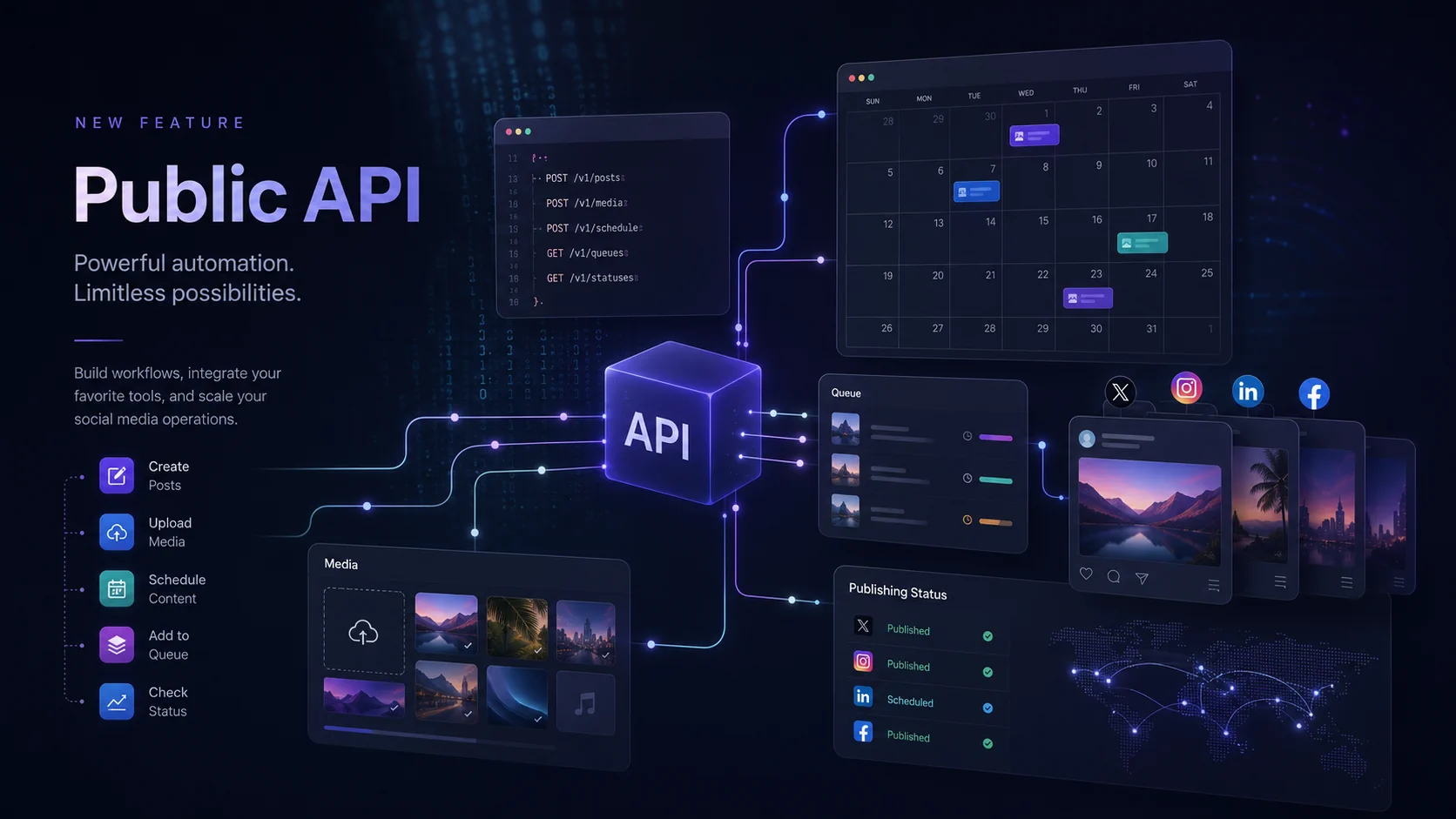
Postoria Public API is now available for Pro and Agency users.
This update lets developers, agencies, and businesses connect external systems to Postoria and automate social media publishing workflows without manually creating every post in the app.
With the Public API, you can upload media, create and manage posts, check publishing status, and retrieve post analytics programmatically.
What you can do with the Public API
Postoria Public API v1 covers the core publishing workflow and post-performance reporting.
You can use it to:
- List available workspaces
- List connected social accounts in a workspace
- List queues in a workspace
- Upload media with a temporary upload URL
- Import media from a public HTTPS URL
- Check media processing status
- Create posts
- Publish now, schedule, or add posts to a queue
- Set AI-generated-content disclosure for supported destinations
- Check post status
- Delete posts
- Retrieve the latest available analytics for specific posts
- Aggregate post performance by publication period, network, content type, or social account
This makes it easier to connect Postoria with your own tools, scripts, content pipelines, internal dashboards, CMS workflows, and automation systems.
Built for practical publishing and reporting automation
The first version of the API is intentionally focused.
Instead of trying to expose every Postoria feature at once, Public API v1 covers the workflow most integrations need first:
- Get a workspace
- Get social accounts or queues
- Upload or import media
- Create a post
- Check post status
- Retrieve current post metrics or an aggregated performance summary
This keeps the API easier to understand and safer to integrate with, while still supporting real publishing use cases.
Media upload and processing
Media can be added in two ways.
The first option is to create a temporary upload URL. Your system uploads the file bytes to that URL using HTTP PUT, then tells Postoria to complete the upload. Postoria processes the media in the background.
The second option is to import media from a public HTTPS URL. This is useful when media already exists in a CMS, DAM, website, or another external system.
In both cases, media processing is asynchronous. After creating or importing media, use the media status endpoint until the media item becomes ready. Ready media can then be used when creating a post.
Create posts from external systems
The Public API can create posts for one or more connected social accounts.
Posts can be created in three publishing modes:
publish_nowschedulequeue
Scheduled posts use UTC date and time values. Queue posts use an existing Postoria queue from the selected workspace.
The API supports structured post fields such as captions, media, links, first comments, YouTube options, TikTok options, repost settings, and a top-level is_ai_generated disclosure, following the same general publishing capabilities available in Postoria’s bulk upload workflow.
Set is_ai_generated to true to apply the supported platform disclosure to Instagram, TikTok video posts, YouTube, X, and Pinterest. If it is false or omitted, Postoria does not send the platform parameter. TikTok photo posts are excluded, and the setting remains separate from TikTok branded-content disclosure.
Check publishing results
After creating a post, you can check its status through the API.
The post response includes the post ID, status, and account-level results. When a post is published successfully, Postoria returns the published link where available. If publishing fails for an account, the response includes the error for that account.
This makes it possible to build simple polling workflows without webhooks in the first version.
Retrieve post analytics
The Public API can return the latest available metrics for one to 100 Postoria post IDs. It can also aggregate those metrics for posts published within a UTC interval, with optional publication-time buckets and grouping by network, content type, or social account.
Time buckets use the workspace timezone. The summary is based on the latest totals for posts in each publication cohort; it does not report when individual interactions occurred. Metric availability still depends on the social network and content type.
Authentication and limits
Each Postoria profile can create one active API key from the Public API section in Settings.
The API uses bearer token authentication:
Authorization: Bearer pst_live_your_api_keyFor safety and reliability, Public API v1 is rate limited to 300 requests per 5 minutes per account.
API keys are shown only once when created. If a key is lost or exposed, revoke it and create a new one.
Documentation
Full Public API documentation is available in the Postoria Help Center:
How to use the Postoria Public API
The interactive API reference is available here:
The OpenAPI document is available here:
What’s next
Public API v1 gives Postoria users a straightforward way to integrate external systems with publishing workflows and post-performance reporting.
We will continue improving the API based on real usage and customer feedback. Future additions may include more advanced integration options.
Tag:
product updates