Postoria now sends publishing results with webhooks
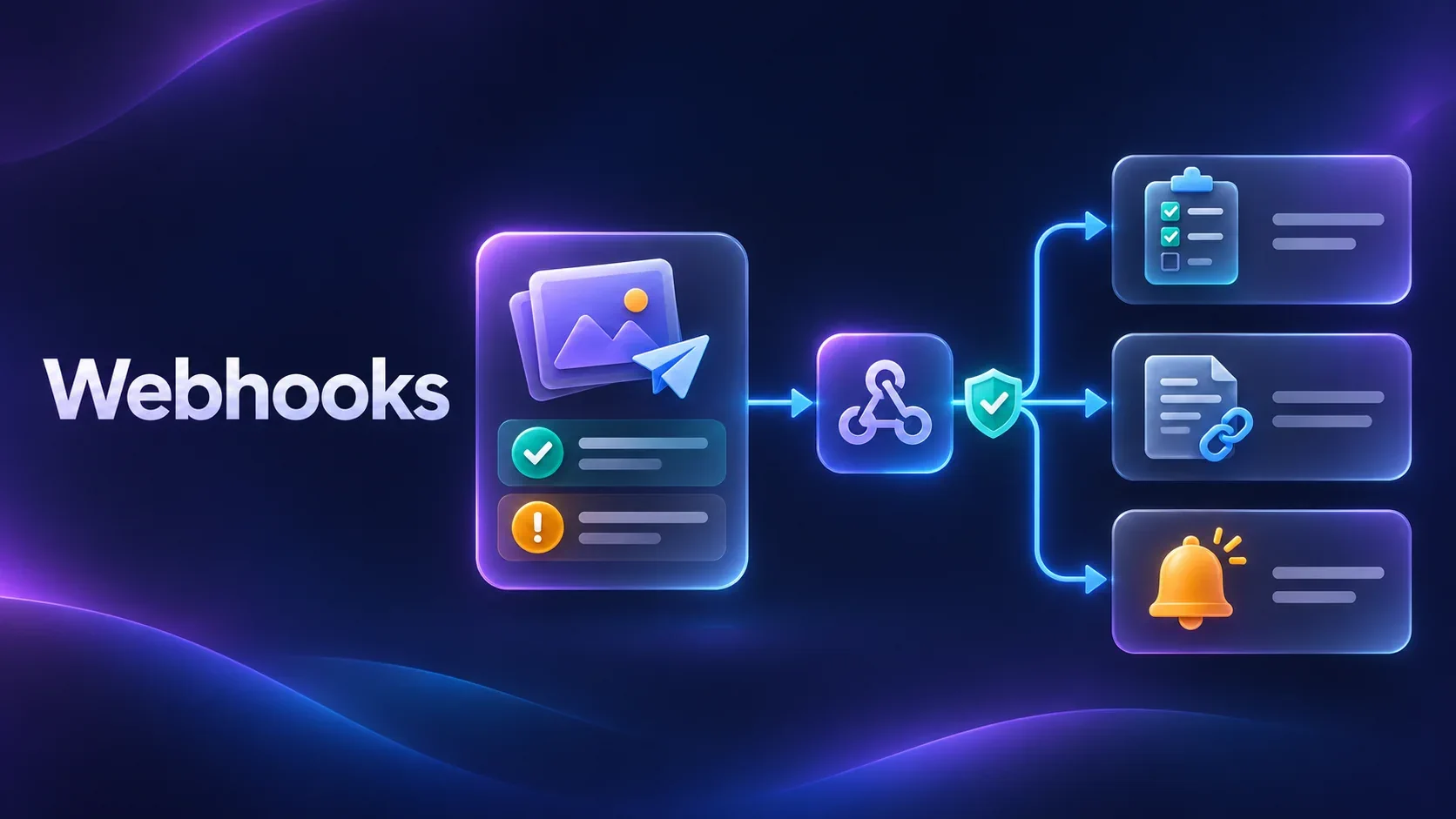
Outgoing webhooks are now available on every Postoria plan, including Free. When a publishing attempt finishes, Postoria can send the result to a public HTTPS address you provide.
Your own application or automation can use that result to update a tracker, record a published link, or notify your team about a publishing failure. Webhooks work for posts created in the Postoria app and through integrations.
Bring publishing results into your workflow
Creating or scheduling a post is only part of the job. Your team may also need to know which accounts published it successfully and which need attention.
With a receiver connected to your tools, you can build workflows that:
- Mark a post as published in an internal content tracker.
- Add the published link to the original article in your CMS.
- Route publishing failures to the person responsible for the account.
- Start a follow-up task after all selected publications succeed.
Postoria sends the event and its results. Your receiver handles what happens next in your system.
Choose which publishing events to receive
In Settings → Webhooks, click Configure, enter your public HTTPS URL, turn on Enable webhooks, choose your Events to receive, and click Save.
There are two events:
- Post publishing succeeded (
post.succeeded): all selected publications finished successfully. - Post publishing failed (
post.failed): the completed publishing attempt includes a failure, even if some publications succeeded.
Each event includes the workspace ID, post ID, and publication results with account IDs, published links where available, and errors. That gives your receiver the information it needs to handle partial failures without treating successful publications as unpublished.
You can configure one webhook URL per profile. It covers all workspaces you own, including those you are not currently viewing. Workspaces where you are only a team member use their owner’s webhook settings.
Signed requests and delivery history
Postoria signs webhook requests using HMAC-SHA256. After you enable webhooks and save, you can find Signing secret in Settings → Webhooks. Its value is masked by default. Use its show or copy button to obtain the secret and configure signature verification in your receiver.
Postoria automatically retries failed deliveries, with retries scheduled up to 24 hours after the first attempt. Your receiver should handle duplicate events using their event IDs.
Open Webhook history from Settings to inspect the last 30 days of deliveries. You can see the delivery status, number of attempts, last HTTP status, and message body.
A delivery marked Delivered means your endpoint accepted the event. A post.failed event can also be delivered successfully, so check the event and publishing results to see whether publishing succeeded.
Get started
Webhooks report completed publishing attempts. These events do not cover media readiness, analytics changes, inbox activity, or errors that prevent publishing from starting.
Webhooks are included in Free. Access to the Public API, MCP server, and Postoria n8n integration still requires Pro or Agency.
Read How to use webhooks in Postoria for setup instructions, payload details, signature verification, and retry behavior.
Tag:
product updates