YouTube content formats that work best for businesses
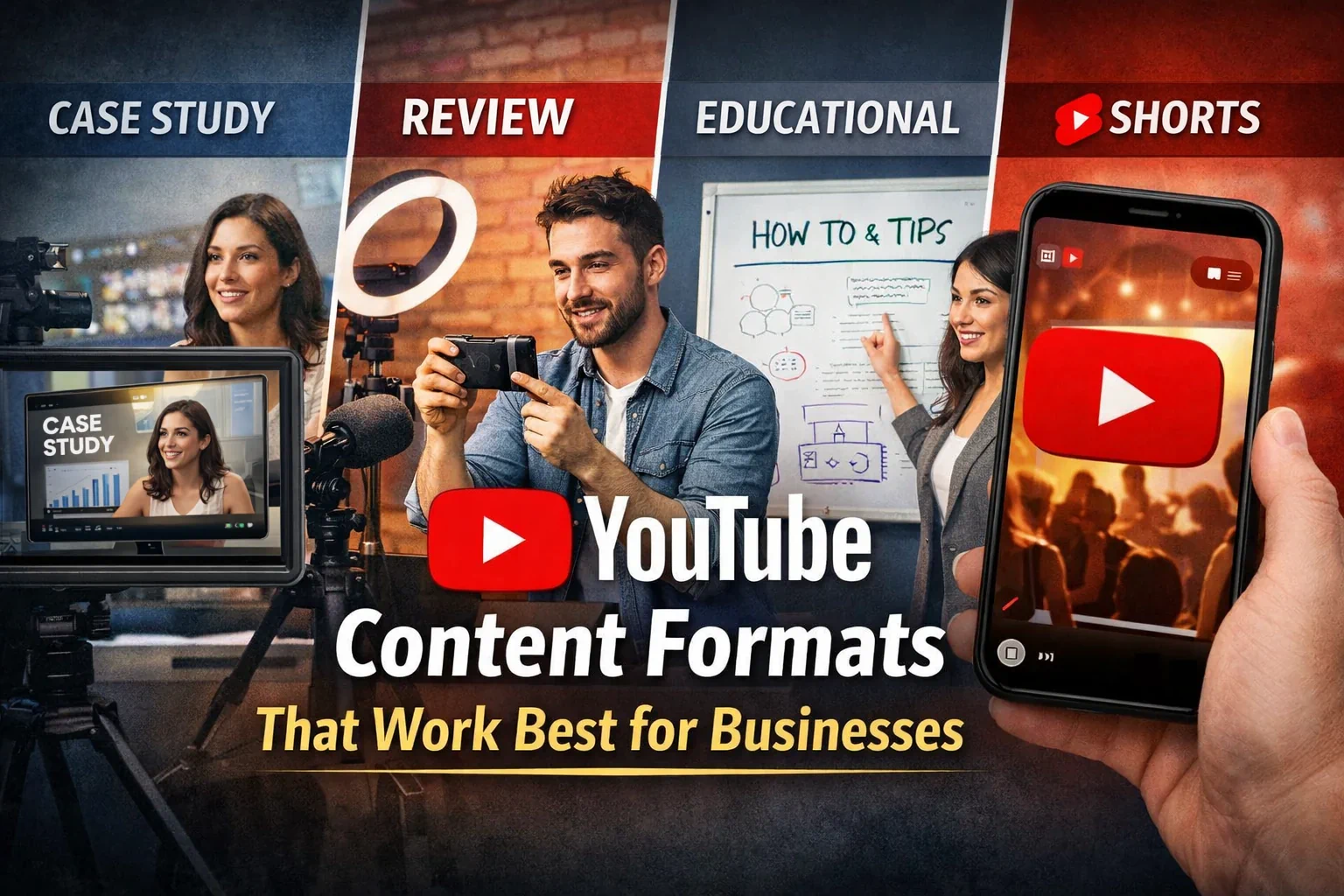
YouTube can be a strong business channel, but only when each video format has a job. A product demo should not be judged like a Shorts clip. A customer story should not be planned like a weekly tutorial. A webinar recording should not be uploaded with the same expectations as a search-focused how-to video.
The mistake many companies make is treating YouTube as one bucket: “make videos.” A better approach is to build a format mix. Some videos help new people discover you. Some answer buying questions. Some support sales conversations. Some give existing customers a reason to stay engaged.
This guide breaks down the YouTube content formats that work best for businesses, when to use each one, and how to turn them into a realistic publishing system.
Start with the job of the video
Before choosing a format, decide what the video needs to do. Most business YouTube content fits one of five jobs:
- Discovery: Reach people who do not know you yet.
- Education: Help viewers solve a problem and associate your brand with expertise.
- Evaluation: Help prospects compare options and understand fit.
- Conversion support: Reduce objections before a call, purchase, or signup.
- Retention: Help customers get more value after they buy.
Once you know the job, the right format becomes easier to choose.
1. Search-focused tutorials
Tutorials are one of the most useful YouTube formats for businesses because they match clear search intent. People search for how to do something, how to fix something, or how to choose between options. A practical tutorial gives them the answer and introduces your brand in a helpful context.
Strong tutorial topics usually start with phrases like:
- How to set up…
- How to fix…
- How to choose…
- How to create…
- How to compare…
A software company might publish “How to create a social media calendar for a product launch.” A local service business might publish “How to prepare your home before a roof inspection.” A consultant might publish “How to build a simple KPI dashboard before your next board meeting.”
For deeper planning, connect YouTube tutorials with your broader YouTube SEO workflow. Search-friendly titles, clear thumbnails, useful chapters, and strong retention all help the format perform better over time.
When tutorials work best
Use tutorials when your audience already knows the problem and is looking for a practical answer. They are especially useful for B2B, SaaS, education, professional services, home services, finance, and technical products.
How to structure a tutorial
A simple tutorial structure works well:
- Name the problem clearly.
- Show the end result.
- Explain the prerequisites.
- Walk through the steps.
- Mention common mistakes.
- End with the next action.
Keep the introduction short. Viewers came for the solution, not a long brand story.
2. YouTube Shorts for discovery
YouTube Shorts are useful when you need reach, fast testing, and top-of-funnel awareness. They are not a replacement for long-form videos, but they can introduce your ideas to people who would not search for your brand directly.
For businesses, Shorts work best when they are built from repeatable formats rather than random clips. Examples include:
- One mistake your audience keeps making
- A before-and-after explanation
- A fast myth-busting clip
- A product tip in under one minute
- A short customer question answered clearly
- A highlight from a longer video
Shorts are often easier to produce when you batch ideas in advance. If you already have long-form YouTube videos, turn each one into 3-5 Shorts with different hooks. You can also use a repeatable series, such as “One social media mistake in 30 seconds” or “One local SEO fix per day.”
If Shorts are part of your strategy, read the companion guide on YouTube Shorts series and retention for a stronger series-based approach.
When Shorts work best
Use Shorts when you want to test hooks, reach new viewers, promote a longer video, or make your brand feel active between deeper uploads.
What to avoid
Do not make every Short a sales pitch. Shorts should earn attention first. Save the heavier call to action for the caption, pinned comment, profile link, or follow-up content.
3. Product demos and walkthroughs
Product demos help viewers understand what you do, how it works, and whether it fits their situation. For software, demos can show workflows. For physical products, they can show use cases, setup, maintenance, or real-world comparisons. For services, demos can show process, deliverables, or what a client experience looks like.
A useful demo is not just a feature list. It should connect the product to a real user problem.
For example, instead of “Here are 10 dashboard features,” a better angle is “How a small agency can schedule one week of client content in one session.” The second version gives the viewer a reason to care.
Demo structure that feels helpful
Use this structure for business demos:
- Describe the user and the problem.
- Show the starting point.
- Walk through the workflow.
- Explain what decision each step supports.
- Show the final result.
- Mention who the product is and is not for.
That last step builds trust. A demo that admits fit is more useful than one that tries to sell everyone.
4. Case studies and customer stories
Case studies are strongest when a prospect needs proof. They work well for B2B, agencies, consultants, high-ticket services, and products with longer consideration cycles.
A good YouTube case study is not a vague testimonial. It should show the before state, the decision process, the work done, and the practical result. If you include numbers, make sure they are accurate, contextual, and approved for publication.
Useful case study questions
Build the video around questions like:
- What problem did the customer have before working with you?
- What had they already tried?
- Why did they choose this approach?
- What changed in the workflow?
- What did they learn?
- What should similar businesses consider before starting?
Even if you cannot share sensitive metrics, you can still make the story useful by focusing on process, decision criteria, and lessons learned.
5. Comparison and buyer-guide videos
Comparison videos help viewers who are already evaluating options. These can be powerful for business growth because they attract people closer to a decision.
Examples include:
- Tool A vs. Tool B
- In-house vs. agency
- Free plan vs. paid plan
- Beginner setup vs. advanced workflow
- Manual process vs. automated process
The key is to be fair. Do not turn comparison videos into attacks. A useful comparison explains trade-offs, budget fit, team size, complexity, and the type of buyer each option serves.
This format also works well with blog content. For example, a video can summarize your buying criteria while the full article covers details, screenshots, or checklists.
6. Webinars, workshops, and recorded trainings
Webinars are useful when the topic needs more depth than a standard tutorial. They work well for B2B, education, technical products, professional services, and community-driven brands.
The problem is that many webinar recordings are uploaded as long, unedited videos with weak titles. That makes them hard to watch and hard to discover.
To make webinars work better on YouTube:
- Rename the video around the viewer’s problem, not the event title.
- Add chapters so people can jump to useful sections.
- Cut 3-8 clips for Shorts and LinkedIn posts.
- Turn the main framework into a blog article or carousel.
- Add a clear next step at the end.
A webinar should become a content asset, not a one-time event.
7. Behind-the-scenes and process videos
Behind-the-scenes content builds trust by showing how work gets done. It is especially useful for agencies, creators, local businesses, ecommerce brands, studios, manufacturers, restaurants, and service companies.
Good behind-the-scenes videos answer silent customer questions:
- Who is doing the work?
- What does the process look like?
- What quality checks happen before delivery?
- What makes this business different?
- What should a customer expect?
This format does not need expensive production. Clear footage, a simple voiceover, and a specific angle are usually enough.
8. Repeatable YouTube series
A series is often easier to maintain than disconnected one-off videos. It also helps viewers understand what to expect from your channel.
Series examples for different business types:
- SaaS: “Workflow teardown of the week”
- Agency: “One campaign mistake we fixed”
- Local service: “Ask the expert: customer questions answered”
- Ecommerce: “How to choose the right product for…”
- Consultant: “One framework in five minutes”
- Creator brand: “Build in public: weekly progress log”
A series makes planning easier because you are not starting from zero every week. You are filling a proven container with a new example.
A simple YouTube format mix for businesses
You do not need every format at once. Start with a mix you can actually sustain.
For many businesses, this works well:
- 1 long-form tutorial every two weeks for search and authority.
- 2-4 Shorts per week for discovery and testing.
- 1 case study or demo per month for conversion support.
- 1 behind-the-scenes or founder/expert video per month for trust.
That is enough to build momentum without turning YouTube into a full-time production department.
How to choose the right format for your goal
Use this decision framework:
- If people are searching for the problem, create a tutorial.
- If people do not know the problem yet, create Shorts.
- If people are comparing options, create a buyer guide or comparison.
- If people need proof, create a case study.
- If people need confidence, create a demo or behind-the-scenes video.
- If people need repeated exposure, create a series.
The best YouTube strategy is rarely one format. It is a deliberate mix that matches the customer journey.
How to repurpose YouTube content across social media
YouTube should not sit alone. A single long-form video can produce content for several channels:
- A YouTube Short from the strongest point
- A LinkedIn post with the main lesson
- An Instagram Reel from the hook or demo
- A Pinterest pin for evergreen discovery
- A Google Business Profile update for local relevance
- A blog article or newsletter summary
This is where planning matters. If you build repurposing into the workflow before filming, you capture better clips, cleaner transitions, and stronger captions. The guide on how to adapt one video for 6 platforms can help you turn one master asset into a full distribution plan.
YouTube publishing checklist
Before publishing, run through this checklist:
- The title names the viewer’s problem or desired outcome.
- The thumbnail is readable at a small size.
- The first 15 seconds confirm the video is worth watching.
- The description explains what the viewer will learn.
- Chapters are added when the video is long enough to need them.
- The call to action matches the video’s purpose.
- The video is added to a relevant playlist.
- Short clips or social posts are scheduled for promotion.
- Results are reviewed after publishing, not ignored.
For ranking and retention basics, pair this checklist with your YouTube algorithm workflow.
How Postoria helps with YouTube and social distribution
Planning YouTube content is only one part of the work. Businesses also need to promote each video consistently across their other channels.
Postoria helps teams organize that workflow with a visual calendar, scheduling, media library, analytics, workspaces, and support for major platforms including YouTube, Facebook, Instagram, LinkedIn, Google Business Profile, Threads, Pinterest, TikTok, Telegram, Bluesky, Tumblr, and X. You can schedule YouTube content with the YouTube video scheduler, then plan supporting posts across other networks from the same calendar.
That matters because YouTube growth is easier when every upload has a distribution plan, not just a publish button.
Conclusion
The best YouTube content formats for businesses are not chosen by trend. They are chosen by job. Tutorials build search traffic. Shorts create discovery. Demos answer practical questions. Case studies build proof. Comparisons support buying decisions. Webinars add depth. Series make consistency easier.
Start with the format that matches your biggest business goal, then build a repeatable workflow around it. When your videos are planned, repurposed, and promoted consistently, YouTube becomes a more useful part of your broader marketing system.