Empty appointment slots? What to post on Instagram, Facebook, and Google Business Profile
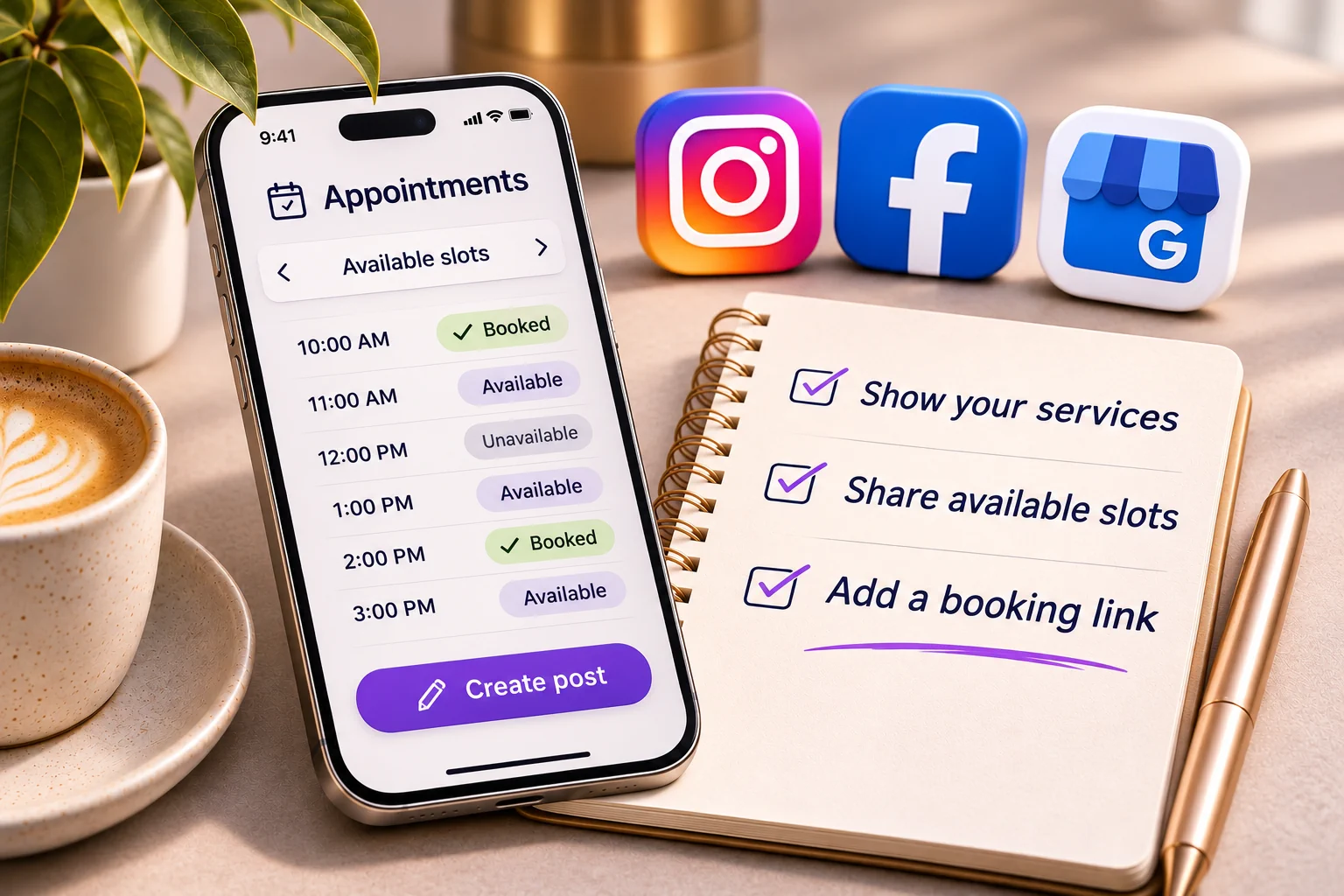
You open next week’s calendar. There are more gaps than bookings.
Your first instinct is to post “Appointments available!” over a photo of your workspace. Maybe add a discount. Maybe publish the same message again tomorrow.
But an empty appointment slot is your problem. A potential customer needs to understand what they can book, why it is relevant, and whether it fits their day.
Don’t just announce that you have time. Explain what someone can do with that time.
Whether you run a salon, photography studio, cleaning company, or another appointment-based business, your content should make the service easier to evaluate and the booking easier to complete.
Make sure the appointment is ready to sell
Before writing a caption, check the service and booking details. A compelling post cannot fix a booking page that shows no availability or sends people to the wrong location.
Confirm the service, available dates, appointment length, location or service area, and price or quoting process. Check any preparation requirements and explain what confirms the booking.
Be specific about which service fits the opening. A short gap between clients may accommodate a consultation but not a full service. Do not advertise every service if only one is practical in that slot.
Keep one place as the reliable record of availability: your booking system or the calendar your team actually uses. Social posts should point customers toward that information rather than become competing versions of it.
Write for the customer’s situation
“We have openings” says something about your schedule. “A lunchtime appointment for a wash and blowout” says something about the customer’s day.
Start with a service and a reason someone might consider it. Then add the actual availability.
For a fictional salon, a post might read:
Need a wash and blowout before an evening event? We have a 45-minute appointment available on [date] at [time]. The service is $55 at our [neighborhood] studio. Check the booking page linked in our profile for current availability.
The examples below are templates, not real offers. Replace every date, price, location, and service detail before publishing.
Avoid promising an outcome the service does not guarantee. You can explain what is included without claiming that a haircut, photo session, or consultation will transform someone’s life.
Use four post angles instead of repeating “book now”
People may hesitate for different reasons. One person needs to know you have an opening. Another needs to understand the service before choosing a time.
1. A specific availability update
This is the most direct post: the service, date, duration, location, and booking route.
A 30-minute headshot session is available on [date] at [time]. It includes one background and three edited images. View the package details and current availability on our booking page.
Use a representative photo of the actual service. Do not make the audience guess whether the pictured result belongs to the package you are advertising.
2. A first-visit walkthrough
Show the parts of the experience a new customer may not understand: arriving, discussing requirements, receiving the service, and knowing what happens afterward.
A cleaning business could explain what customers need to put away before a visit. A photographer could show how outfit choices are discussed before a session.
End with an invitation to view available appointments, not an assumption that everyone watching is ready to book.
3. A choice between services
Help customers decide which appointment they need.
A salon could compare a consultation with a full styling appointment. A photographer could explain the difference between a short headshot session and a personal branding shoot.
State who each option suits, what it includes, and what it does not. The goal is the right booking, not simply the most expensive one.
4. One practical reason to feel confident
Show a relevant example of your work, a clear process, or a genuine customer experience used with permission.
Explain the context rather than posting an unexplained before-and-after image. For a photography session, identify the package, setup, and number of delivered images. Avoid suggesting that every customer will receive an identical result.
These four angles let you address availability, uncertainty, fit, and trust without publishing four nearly identical promotions.
Adapt the message for each platform
Keep the offer consistent, but adjust the presentation and next step. A single caption pasted everywhere can leave readers with instructions that do not match the page they are viewing.
Instagram: make the service easy to picture
Use a short demonstration, a set of example images, or a carousel explaining the appointment. Put essential details in readable text and the caption, not only in a fast-moving video.
For the fictional salon, an Instagram caption could say:
A wash, blowout, and style without a full afternoon in the salon. A 45-minute appointment is available on [date] at [time] in [neighborhood]. $55. Check current availability through the booking link in our profile.
Make sure that link actually leads to the relevant service. If you invite direct messages instead, arrange for someone to answer them and explain that an inquiry does not reserve the time.
Facebook: make the local details clear
For a Facebook Page post, provide the service, location, date, and booking destination in a message that makes sense without opening several other posts.
We have a wash-and-blowout appointment available at our [neighborhood] salon on [date] at [time]. The 45-minute service is $55. View the details and latest availability here: [booking link].
Use an actual booking URL in the published post. Do not carry over “link in bio” wording simply because you prepared the Instagram version first.
Keep scheduled reminders accurate as bookings change. Our guide to Facebook auto-posting mistakes covers the review habits that matter for time-sensitive content.
Google Business Profile: keep the update useful and current
Google Business Profile posts can share updates on Search and Maps, and an update can include an action button linking to a relevant page. Use a straightforward service message rather than copying a long social caption.
Wash-and-blowout appointments at our [neighborhood] salon. The 45-minute service is $55. Check our booking page for available times on [date].
Where the publishing options support it, connect the appropriate action button to the booking page. Do not describe an ordinary opening as a discount or special offer unless there is a genuine promotion with clear terms.
Treat this as a service update, not a promise of higher search rankings. For the broader workflow, see our Google Business Profile posting guide.
Separate planned service content from live availability
A service explanation may remain useful for months. A cancellation slot can disappear while you are editing the caption.
Prepare the reusable material ahead of time: demonstrations, service comparisons, first-visit explanations, and booking instructions. Confirm dates and available times close to publication.
For openings several days away, a practical sequence could be a service explanation, an answer to a common concern, and a specific availability update after checking the calendar. There is no need to publish all three if one clear post is enough.
For a same-day opening, prioritize an accurate, direct announcement. Do not rely on organic posts alone to fill an appointment that expires in an hour. Use your usual booking and customer-contact procedures where appropriate.
Assign someone to review the promotion when the slot fills. Stop future reminders for that opening, and update the published information where the platform allows. If the original post remains visible, make the current status easy to understand.
Avoid automatically reusing captions such as “two openings left” or “available today.” Those statements need a fresh availability check every time.
Don’t make a discount the only reason to book
A lower price does not answer every buying question. Someone may be unsure which service they need, how long it takes, or whether your location is practical.
Before changing the price, improve that information. Show the package clearly, explain the process, or offer a genuinely different service that fits the available time.
A short headshot session, for example, can be a separate offer with its own scope. It should not be presented as a full branding session at a mysteriously low price.
When a promotion makes business sense, state what it covers, who can use it, and when it ends. Do not invent scarcity or keep extending a supposedly final deadline.
An honest opening is enough. You do not need a fictional emergency to make it worth mentioning.
Test the booking path on a phone
Follow the steps a customer would take from the post. Confirm that the destination shows the correct service, location, price, and current availability.
Check the experience after selecting a time, too. Is it clear whether the person has made a request or received a confirmed appointment? Are any deposit and cancellation details available before they commit?
If your process starts with a message, tell people what information to send and who will confirm the booking. Do not leave two customers believing they have reserved the same slot.
Use the booking system for confirmation. A social media comment is not a substitute for your actual reservation process.
Coordinate appointment content with Postoria
Use Postoria’s multi-platform publishing workflow to prepare related posts for Instagram, Facebook, and Google Business Profile without treating them as three unrelated campaigns.
Draft the service explanation first, then adapt the caption, media, and call to action for each channel. Review the planned posts together so their prices, locations, and service descriptions agree.
For local updates, the Google Business Profile post scheduler lets you plan supported posts alongside your other content. Keep approved service photos in the Media Library and review the visual calendar before the campaign begins.
Your team still needs to confirm availability and monitor booking changes. Keep that check in your workflow; do not treat the publishing calendar as live appointment inventory or assume a booking will automatically remove a scheduled promotion.
Count completed bookings, not just reactions
A post can attract attention without filling the right appointment. Record which services were booked, whether the appointments were completed, and whether the promotion created confusion or cancellations.
For website traffic, campaign-tagged links can provide useful context. Ask customers how they found you when appropriate, but treat their answers as one piece of information rather than perfect attribution.
Compare similar services and periods before drawing conclusions. A holiday week and an ordinary Tuesday are not interchangeable tests.
When an opening remains empty, investigate the service, price, lead time, audience, and booking experience. Repeating the same announcement more loudly is not the only adjustment available.
Give the next customer a clear reason to book
An effective availability post connects a real customer need with a specific, genuinely bookable service.
Show what the appointment includes. Explain where and when it is available. Make the price and next step understandable. Then keep the information accurate as your calendar changes.
Your audience does not need to know how much you dislike an empty slot. They need to know whether that slot is right for them.