Tumblr Post Scheduler
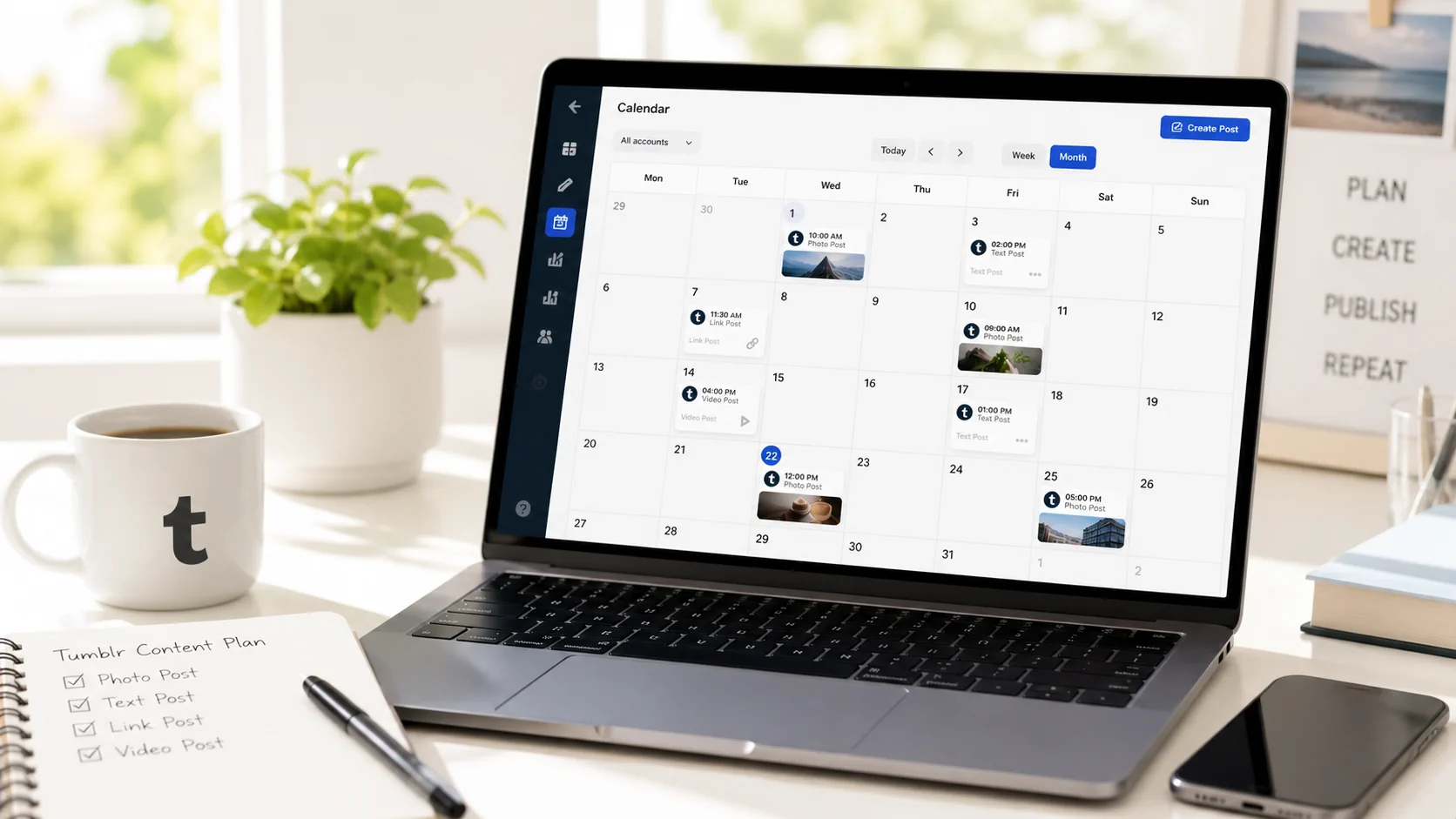
Plan Tumblr content for blogs, fandoms, niche communities, and visual campaigns without posting manually every time.
Tumblr is different from mainstream social feeds. It works well for expressive posts, niche communities, visual storytelling, fandom-adjacent content, product inspiration, and longer-running themes. For brands and creators, the value is in consistency and fit, not blasting the same message everywhere.
Postoria helps you schedule Tumblr posts and manage Tumblr alongside your other social media channels.
Schedule Tumblr posts in Postoria
With Postoria, you can plan Tumblr content from a visual calendar and coordinate it with campaigns on other platforms.
Use it to schedule:
- Text posts
- Image posts
- Video posts
- Link posts
- Blog updates
- Campaign announcements
- Community-style posts
- Evergreen resources
- Visual inspiration posts
Tumblr can sit in the same workflow as Facebook, Instagram, LinkedIn, Google Business Profile, Threads, Pinterest, YouTube, TikTok, Telegram, Bluesky, and X through Postoria’s all-in-one publishing system.
What makes Tumblr scheduling different?
Tumblr often rewards personality, visual identity, and community fit. A Tumblr post should not always read like a LinkedIn update or Instagram caption.
Think in themes
Plan recurring themes such as moodboards, product inspiration, micro-essays, behind-the-scenes notes, tutorials, or curated resources.
Use Tumblr for depth
Tumblr can support longer captions, storytelling, and context that might feel too long for other channels.
Respect the community tone
A scheduler helps you plan, but the content still needs to feel native. Adapt campaigns instead of copying the same language from every platform.
Practical Tumblr use cases
Creator portfolio updates
Artists, designers, writers, and video creators can schedule portfolio posts, process notes, and visual updates around larger launches.
Brand moodboards
Fashion, design, entertainment, and lifestyle brands can plan visual themes that support seasonal campaigns.
Publisher distribution
Bloggers and publishers can share new articles, evergreen resources, and curated posts without manually returning to Tumblr every time.
Product storytelling
Ecommerce brands can use Tumblr for product inspiration, styling ideas, behind-the-scenes production, and collection stories.
Features that support Tumblr scheduling
Postoria helps keep Tumblr publishing organized with:
- Visual calendar for planning blog-style social posts
- Scheduling and publishing for prepared Tumblr content
- Native Tumblr tags kept separate from the post caption for cleaner content and better discovery
- Media library for approved visuals, videos, and campaign assets
- Watermarking for selected visual assets when appropriate
- Workspaces for separating blogs, brands, clients, or creative projects
- AI captions on paid plans for drafting alternate post angles
- Bulk upload on paid plans for preparing larger publishing batches
- Analytics for reviewing supported published-content performance
This makes Tumblr easier to include in a real content plan without adding a separate manual routine.
Tumblr scheduling checklist
Before scheduling a Tumblr post, review:
- Does the post feel natural for Tumblr?
- Are the most relevant native tags added without cluttering the caption?
- Is the visual or story strong enough to stand alone?
- Does the post fit a theme, campaign, or blog identity?
- Are tags relevant and not excessive?
- Is the media asset approved for use?
- Is the timing connected to a launch or content rhythm?
- Should the post be adapted from another platform version?
- Will performance or audience reaction be reviewed later?
Example: Tumblr campaign plan
A creator launching a digital product could plan:
- Moodboard post to introduce the theme
- Behind-the-scenes process post
- Product preview image
- Launch announcement with link
- FAQ-style post answering common questions
- Recap post with lessons or next steps
Postoria keeps the full sequence visible in your calendar and helps coordinate supporting posts on other channels.
Why use Postoria for Tumblr?
Postoria is useful when Tumblr is part of a larger content ecosystem. You can manage Tumblr posts, campaigns, and assets in the same place as your other social channels while keeping separate workspaces for different brands or projects.
The Free plan includes 10 social accounts, 2 workspaces, and 50 posts per month. Paid plans add more capacity plus AI captions, automations, Teams, and bulk upload. Compare current options on pricing.
Conclusion
Tumblr scheduling should support creativity, not flatten it. Postoria helps creators, brands, and agencies plan Tumblr posts in advance, coordinate campaigns across channels, and keep visual assets organized. If you want Tumblr to be part of your social media workflow without adding another disconnected tool, Postoria gives you a practical way to manage it.