Social media posting API
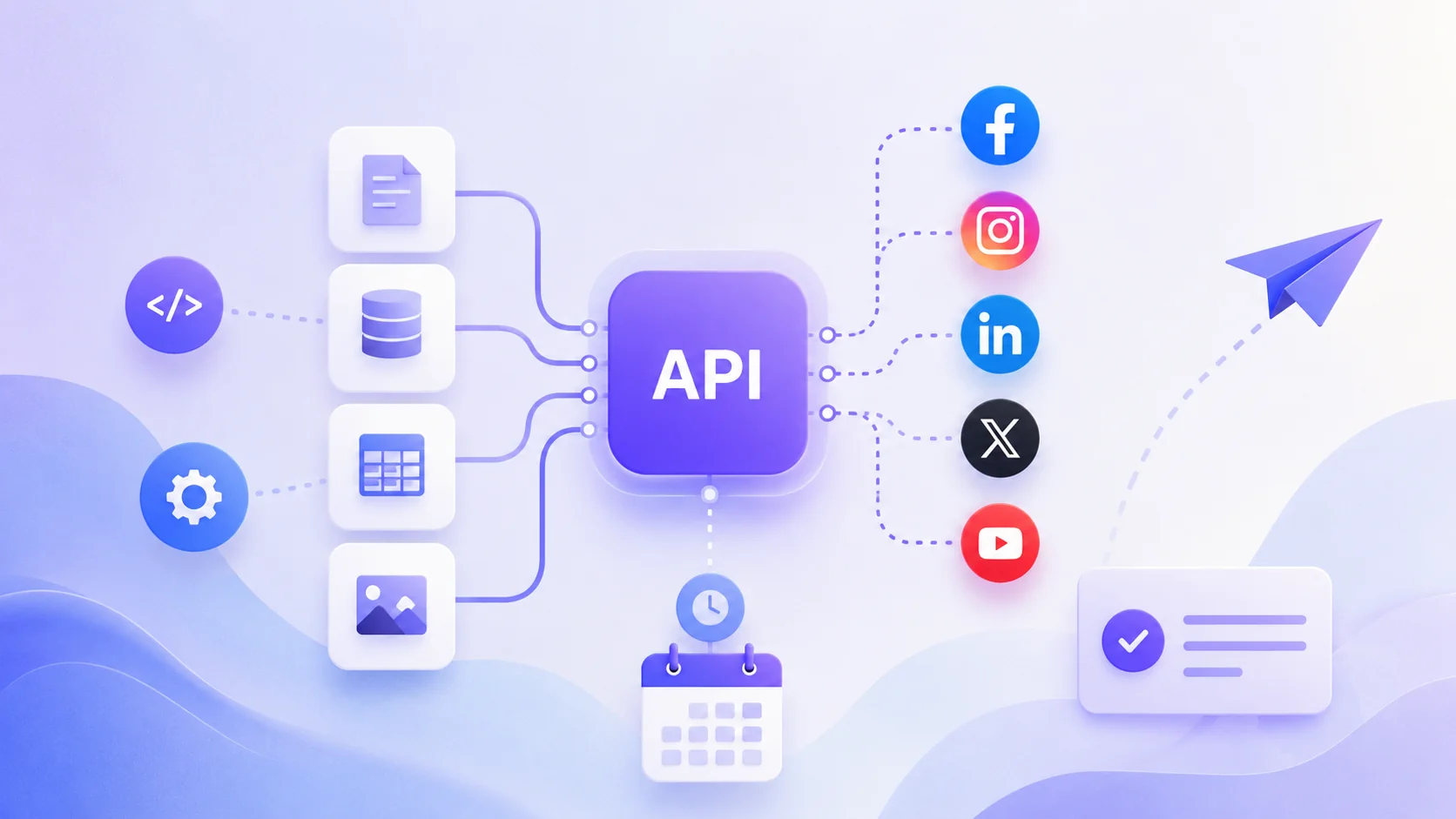
Build social media publishing into your own tools with the Postoria Public API.
The Postoria Public API helps developers, agencies, and software teams connect social accounts and create and schedule social media posts from external systems. Instead of moving every account and post into Postoria manually, you can connect your workflow to Postoria and send approved content directly into your publishing process.
Use the API to support internal tools, client portals, content operations, CMS integrations, automation workflows, and custom dashboards that need a reliable way to create social media posts programmatically.
A social media API for publishing workflows
Many teams already create content outside their social media management tool. Posts may start in a CMS, spreadsheet, approval system, campaign database, ecommerce platform, or internal content hub.
The Postoria Public API gives those systems a cleaner path into your social media calendar. Your app can create posts, attach media, choose connected social accounts, and schedule content without asking someone to copy and paste every caption by hand.
Use the Public API when you want to:
- Create social media posts from your own application
- Schedule posts programmatically
- Upload media for API-created posts
- Send approved content from a CMS, portal, or internal tool into Postoria
- Build custom social media workflows for clients or teams
- Connect and reconnect supported social accounts through OAuth
- List available workspaces and connected social accounts
- Assign custom names and string metadata to connected social accounts
- Add posts to existing publishing queues
- Set one AI-generated-content disclosure for supported destinations
- Check the status of API-created posts
- Cancel or delete scheduled API-created posts when plans change
- Retrieve the latest available metrics for specific posts
- Aggregate post performance by publication period, network, content type, or social account
What you can build with the Postoria Public API
CMS-to-social publishing
Send approved articles, announcements, videos, or product updates from your CMS into Postoria as ready-to-schedule social posts.
Client content portals
Let clients submit or approve content in your own portal, then create the matching social media posts in Postoria without manual re-entry.
Internal marketing tools
Connect campaign planning systems, content calendars, or internal dashboards to your social publishing workflow.
Ecommerce and product updates
Create social posts from product launches, collection updates, promotions, or recurring product marketing workflows.
Agency automation
Build repeatable client workflows where approved content can move from your agency system into Postoria faster and with fewer manual steps.
Create and schedule posts programmatically
The core Public API workflow is simple: your system prepares the post content, chooses the workspace and social accounts, uploads any required media, and creates the post in Postoria.
For AI-generated content, set the top-level is_ai_generated field to true. Postoria sends the appropriate disclosure to Instagram, TikTok video posts, YouTube, X, and Pinterest where supported. If the field is false or omitted, no platform disclosure parameter is sent. TikTok photo posts are excluded, and TikTok branded-content settings remain independent.
From there, the content stays connected to the rest of your Postoria workflow. API-created posts can be scheduled, tracked, reviewed, and managed alongside other content in your workspace.
This makes the API useful for teams that want automation without replacing their social media management dashboard.
Upload media for social posts
The Public API supports media upload, so your workflow can create posts that include images or videos instead of only plain text.
This is useful for product images, blog graphics, campaign assets, short-form video workflows, client-approved creatives, and other content that already exists in your own system before it reaches Postoria.
Use workspaces, social accounts, and queues
Postoria is built around workspaces and connected social accounts. The Public API is designed to work with that structure, so your application can list the workspaces and social accounts available to the authenticated Postoria account.
Your application can also start a supported network’s OAuth flow, open the returned authorization URL for a user, and then connect new accounts or reconnect selected existing accounts. This makes large account migrations and recurring re-authorization possible without starting every flow from the Postoria dashboard.
You can also assign a custom name and string key/value metadata to each connected account. This is useful when an agency, publisher, or internal system needs to associate Postoria accounts with stable internal identifiers instead of relying on social network names alone.
For teams using publishing queues, the API can also work with existing queues. That makes it easier to send content into a recurring publishing schedule instead of choosing every publishing time manually.
Learn more about queues on the social media publishing queues page.
Keep API-created posts manageable
Automation is most useful when teams can still see what was created and change course when needed.
With the Postoria Public API, your system can retrieve the status and details of a specific API-created post. If a scheduled or queued API-created post should not go live anymore, your workflow can delete it before publishing.
This helps keep automated publishing controlled, visible, and easier to manage.
Bring post analytics into your own reports
The Public API can return the latest available metrics for up to 100 Postoria posts in one request. Metrics are returned as extensible name/value pairs, so integrations can handle the different data exposed by each social network.
For dashboards and reports, the summary endpoint can aggregate post performance over a publication-date range. You can optionally create hourly, daily, monthly, or yearly buckets in the workspace timezone and group results by network, content type, or social account.
These summaries use the latest available totals for posts published in the requested interval. They do not represent the exact time when individual views, reactions, or clicks occurred.
Why use Postoria as your social media API layer?
Building direct integrations with multiple social networks can be time-consuming. Each platform has its own publishing behavior, account connection flow, media requirements, and API changes.
Postoria gives your team one integration layer for supported social networks. Your application can start account authorization, manage publishing, and retrieve analytics through the Public API, while your team can still use Postoria for scheduling, review, and day-to-day publishing.
For a broader overview of Postoria publishing, visit the post across all social media page.
Good fit for developers and teams
The Public API is a good fit for:
- Developers building social media features into an existing product
- Agencies with custom client portals or approval workflows
- Marketing teams with internal content tools
- SaaS products that generate social content for users
- Ecommerce teams with product or promotion workflows
- Content operations teams that want to reduce manual publishing work
Public API and Bulk Upload
Postoria supports more than one way to move external content into your publishing workflow.
Use Bulk Upload when your team wants to import many posts from CSV or turn a batch of local media files into draft posts.
Use the Public API when your workflow needs a programmatic connection from another application, service, or internal system.
Both options reduce manual post creation, but they fit different workflows: Bulk Upload is best for user-driven CSV and media imports, while the Public API is best for software-driven publishing automation.
Frequently asked questions
Does Postoria have a social media posting API?
Yes. The Postoria Public API is designed to let developers create and schedule social media posts from external tools and workflows.
Can I schedule social media posts through the API?
Yes. The Public API supports creating and scheduling posts programmatically, so approved content can move from your own system into Postoria.
Can I upload images or videos through the API?
Yes. The Public API supports media upload for posts created through API workflows.
Can I disclose AI-generated content through the API?
Yes. Set is_ai_generated to true when creating the post. The same value is returned by the create, list, and get post endpoints.
Can I use the API with multiple workspaces?
Yes. The API is designed around Postoria workspaces. Your application can list available workspaces and create posts inside the relevant workspace.
Can I attach an internal identifier to a social account?
Yes. Connected social accounts support a custom name and string key/value metadata. Both are returned when you list social accounts, and you can update them through the Public API.
Can I connect or reconnect social accounts through the API?
Yes. Your application can start a supported OAuth authorization, send the user to the returned provider URL, and use the completed authorization to connect new accounts or reconnect selected existing accounts.
Can I add API-created posts to publishing queues?
Yes. The Public API can work with existing queues, so your workflow can send content into a recurring publishing schedule.
Can I retrieve analytics through the Public API?
Yes. You can request current metrics for specific Postoria posts or aggregate the latest available post metrics by publication period and an optional grouping dimension.
Is the Public API the same as Bulk Upload?
No. Bulk Upload is an interactive workflow for importing CSV or local media files. The Public API creates and schedules posts from another application or custom workflow.
Build social media publishing into your workflow
The Postoria Public API gives developers and teams a practical way to connect their own systems to social media publishing. Create posts from external tools, upload media, schedule content, and keep API-created posts inside the same Postoria workflow your team already uses.
If your content starts in another product, CMS, portal, or internal system, the Public API helps move it into Postoria with less manual work and more control.